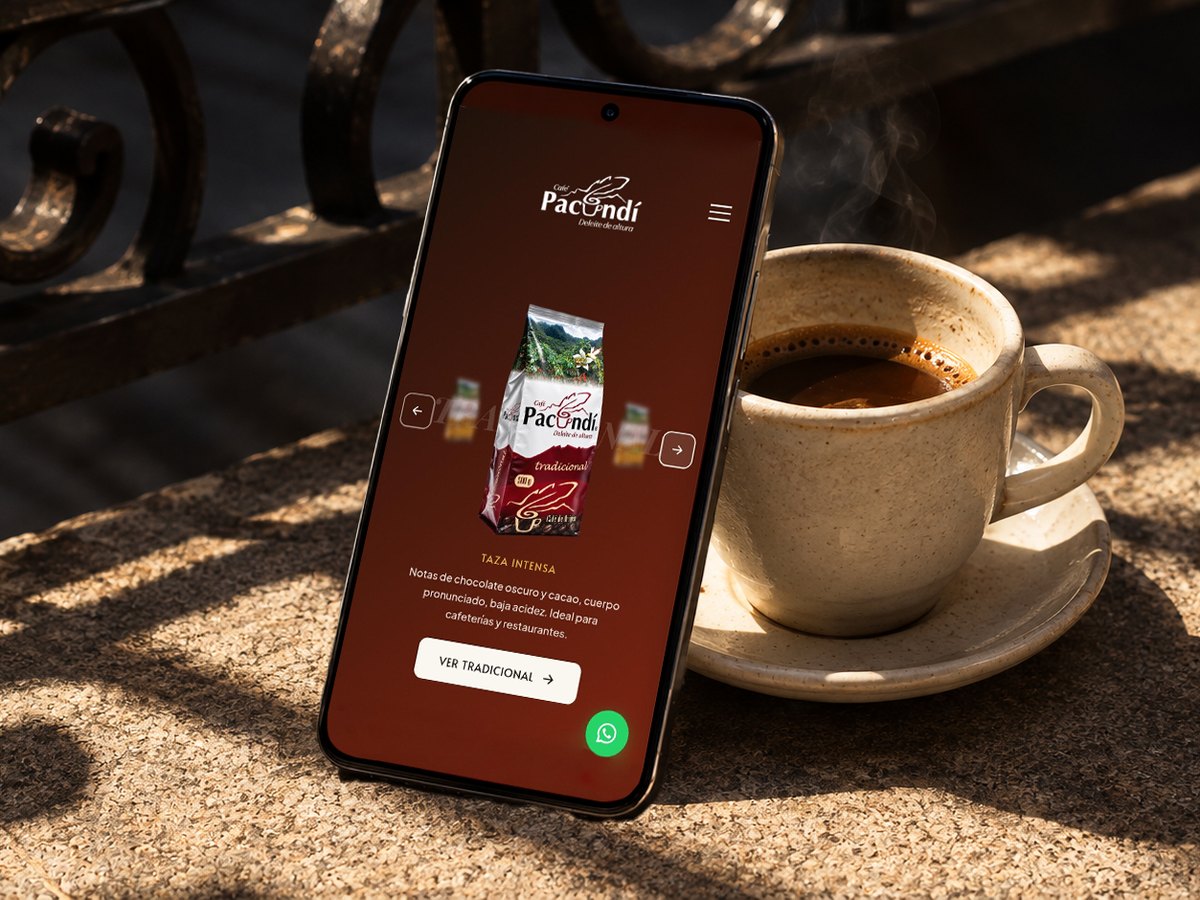
Café Pacundí
End to end redesign: research, information architecture, a Design System in Figma and real development in WordPress.
Digital product, motion, immersive experiences and automation. Every case tells the process, not just the result.
End to end redesign: research, information architecture, a Design System in Figma and real development in WordPress.
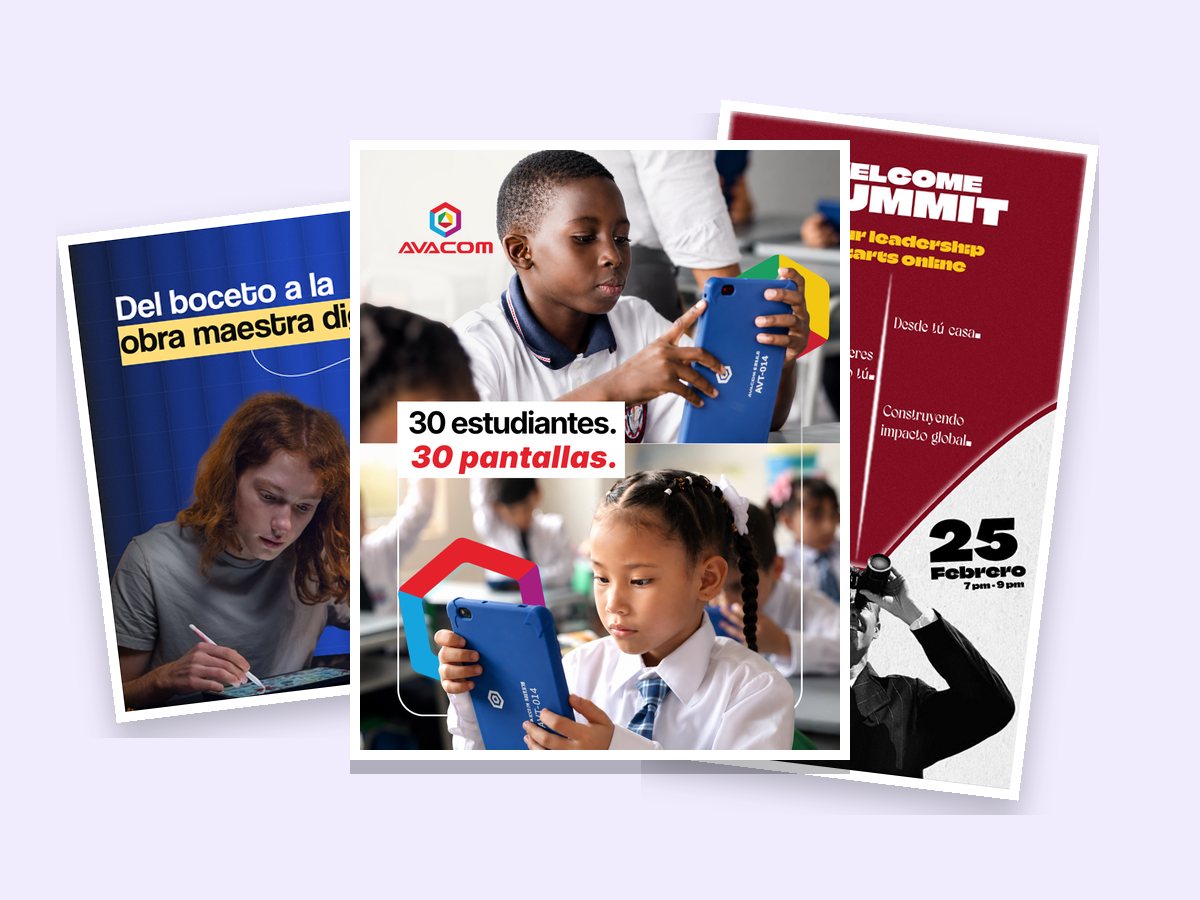
Posts, stories and ads for different brands, made as a freelancer and under contract.
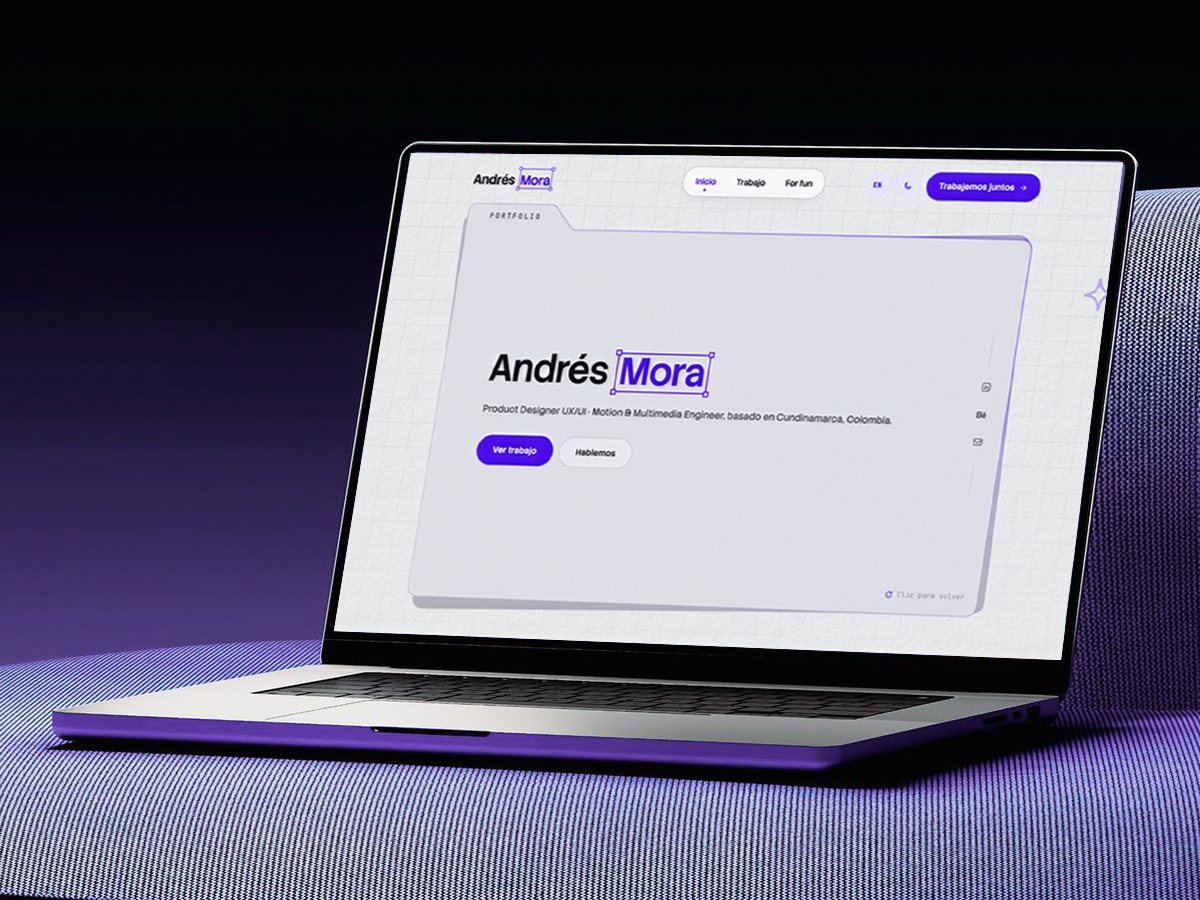
The case study of this very site: goals, architecture, design system, motion, microinteractions and earlier versions.
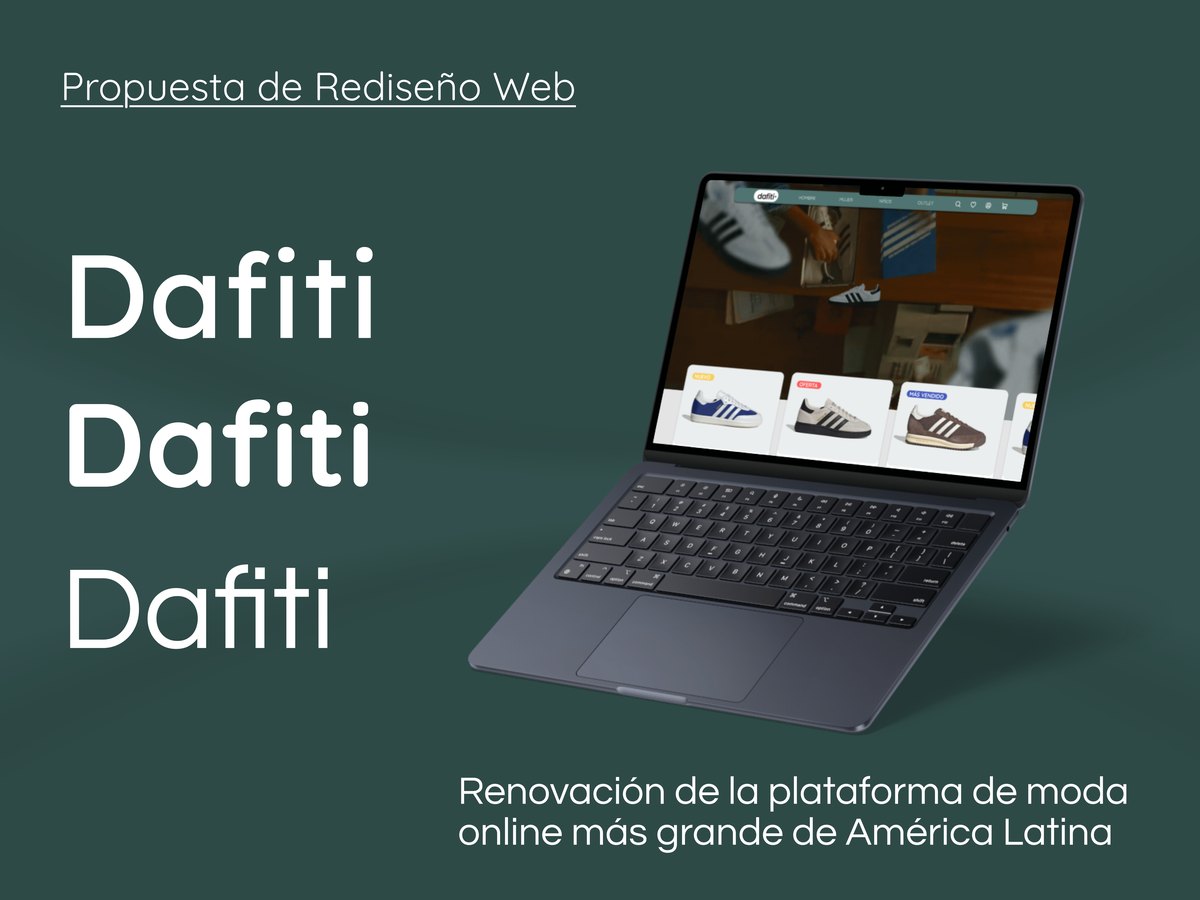
A survey of 22 shoppers, tree testing and moderated tests to sort out navigation, sizes and the cart.
A museum that existed, but nobody knew about: a 3D explorer and virtual tour for UMNG's anatomical collection.
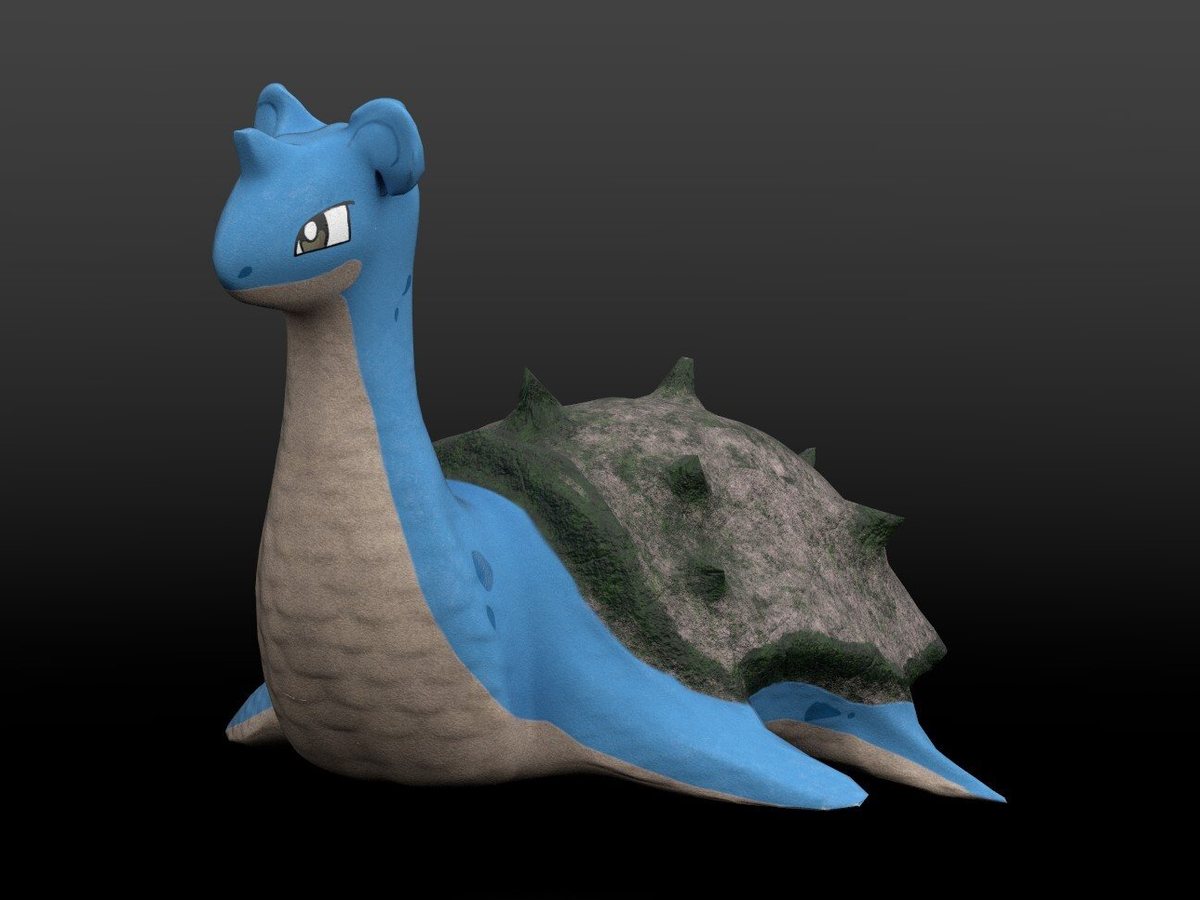
Colombian heritage, environments and props in Maya and Substance Painter, with an interactive 3D viewer.
Animated videos in After Effects: personal brand, the Dafiti demo reel and pieces for social media.
A new identity for an automotive paint shop: logo, brand manual, stationery and a visual line for social media.
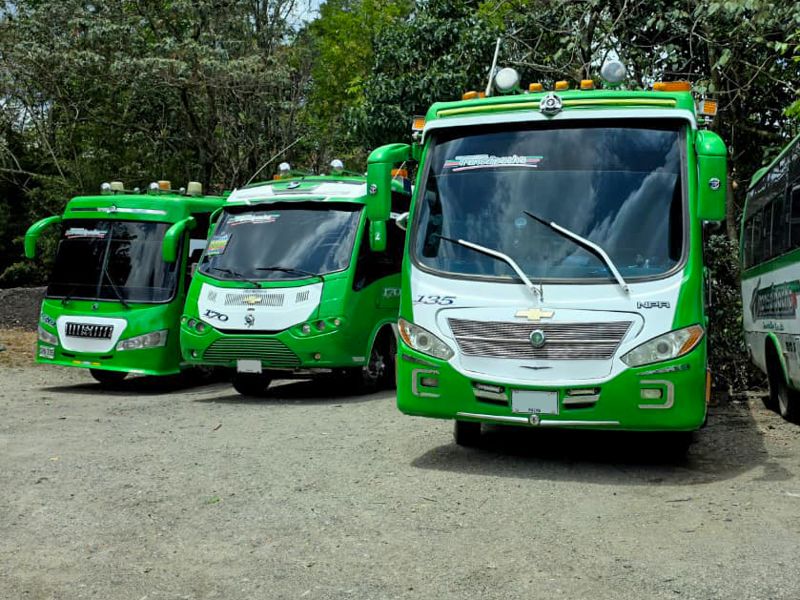
A new logo and livery for the buses of the first urban transport company in Pacho, being rolled out across the whole fleet.
Tell me what you need and we'll figure it out together, no strings attached.
Let's talkCase study · Café Pacundí
A single origin coffee from Pacho, Cundinamarca, with a site frozen in 2019. We brought it up to date, showed everything Pacundí is, joined digital and in store buying, and gave a voice to its social side.
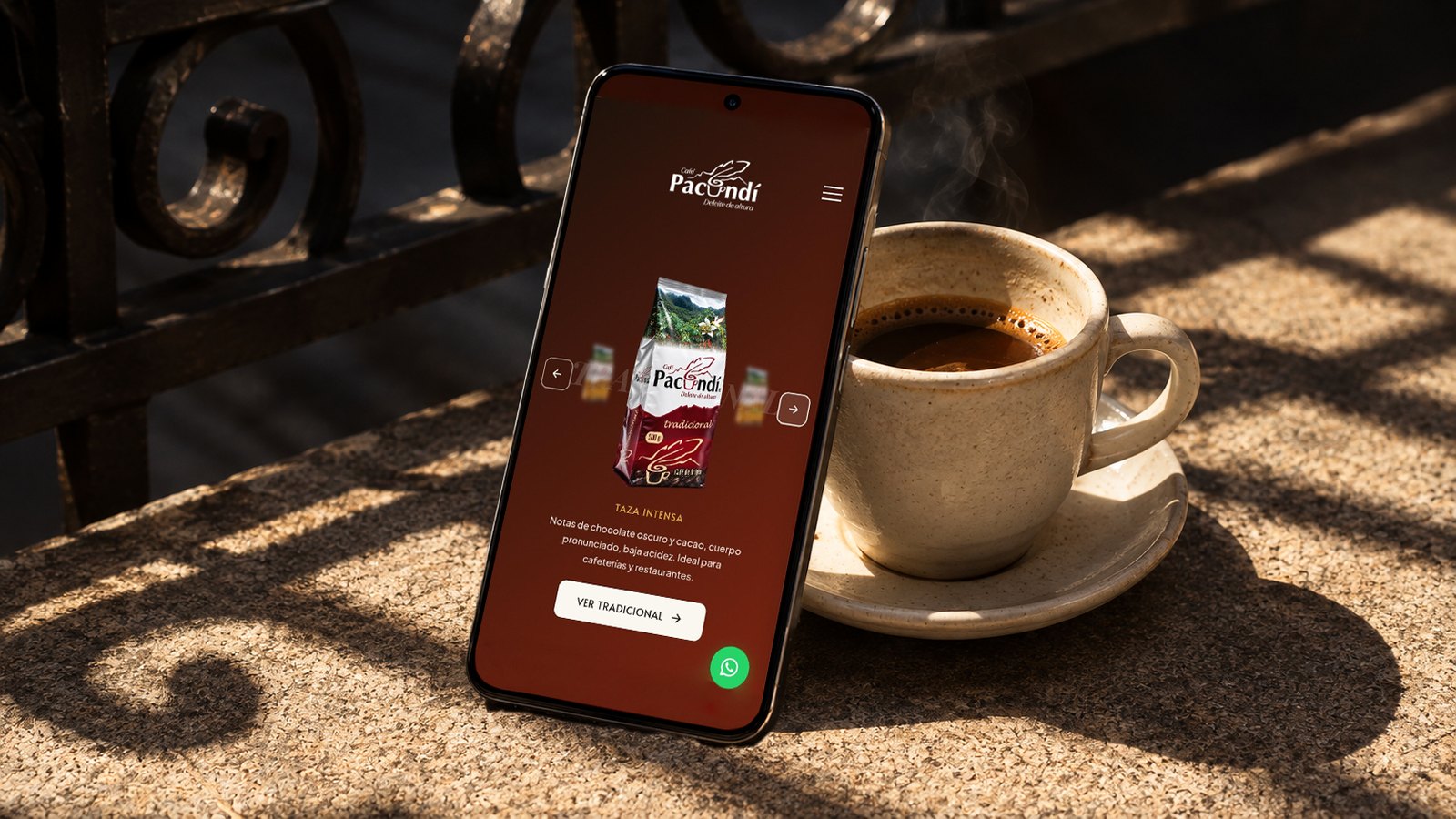
I redesigned the Café Pacundí site end to end: from the UX audit to the site going live in September 2026, with a new 9 page architecture, its own design system and custom components on WordPress and free Elementor.
Product Designer / UX Engineer, from start to finish: audit, architecture, design system and front end development in WordPress.
Behind Pacundí there are 15 years, 300 coffee growing families from the Río Negro and a town, Pacho. None of that showed on its website: a 2019 site that promised online shopping for a brand that sells through WhatsApp and in stores.
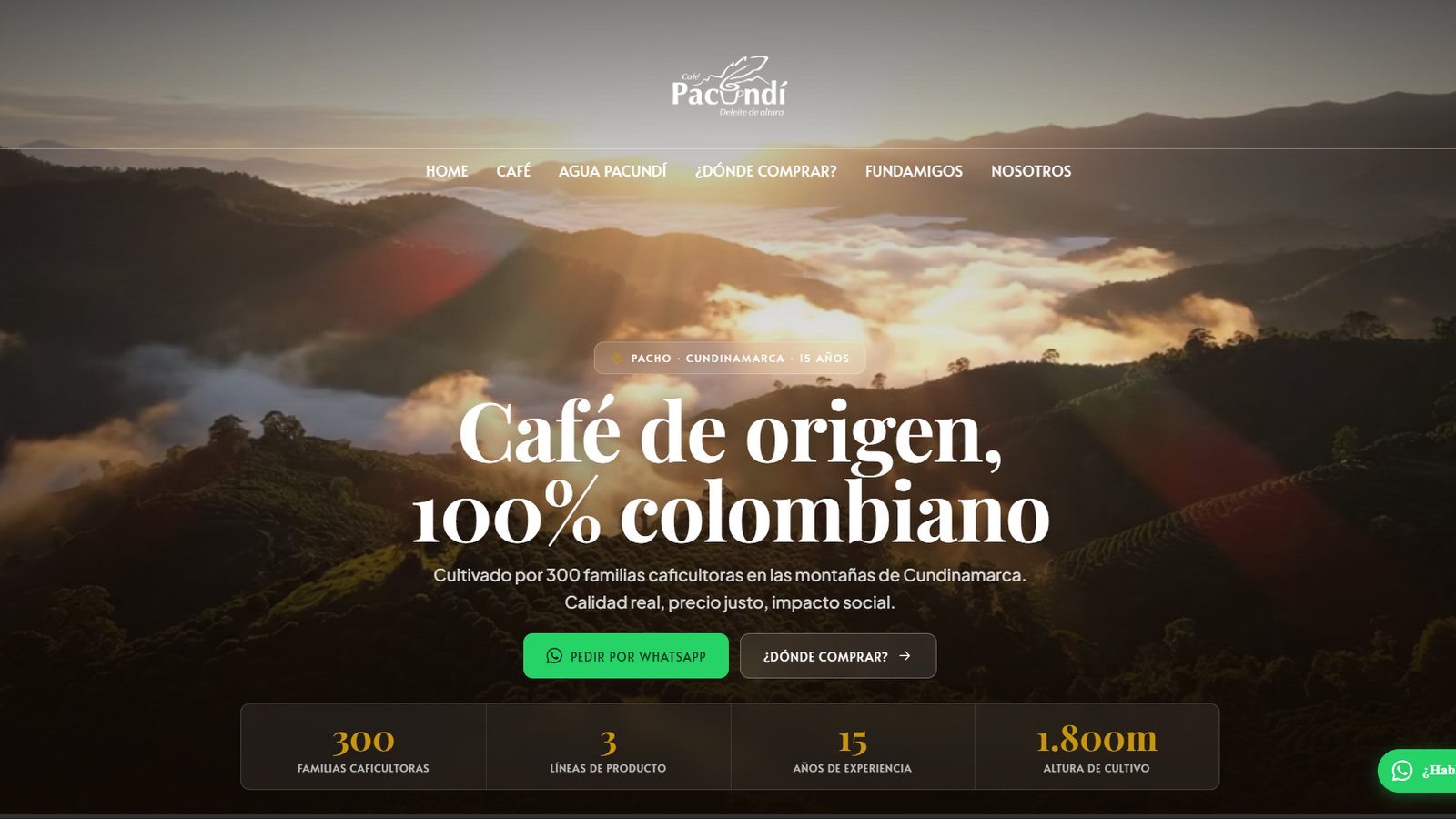
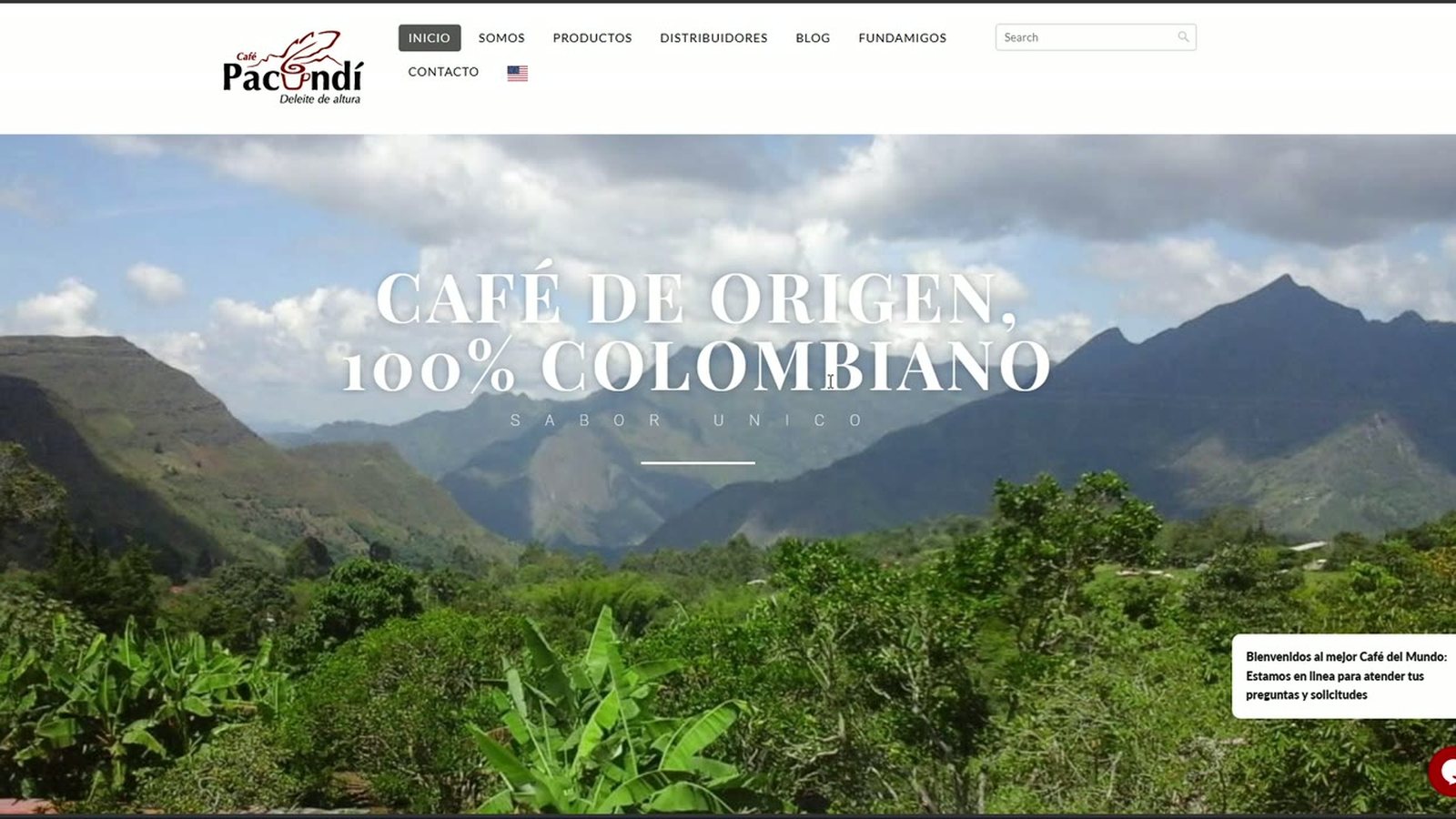
The site was built as an online store, but Pacundí doesn't sell online: it sells in physical stores, with no delivery, and all its digital conversion happens on WhatsApp Business.
A UX audit (15 findings, 4 critical) and a benchmark of four Colombian brands left five challenges.
Four Colombian coffee brands, to see how they communicate origin, varieties and buying.
Nine pages with one rule: the menu leads to buying, to the land and to Fundamigos; the institutional content goes in the footer.
For a brand with no delivery, “contact” and “where can I get it?” are the same intent.
It's a B2B service derived from coffee, not a separate line.
With no information from the client, Jugos Pacundí and the blog were left out.
Coffee pages and Where to buy? share the same component, not four copies.
It should feel like opening a bag of freshly roasted coffee: warm, handcrafted, editorial. From six typefaces explored down to three, and a single shape rule: 10 px radius on everything, no exceptions.
#98260BBrand, CTAs, emphasis#C8960CNumbers and accents#1C1208Text and dark backgrounds#FAF6F0Base background#2C5F6FAgua Pacundí onlyEach component is a custom HTML/CSS/JS widget inside free Elementor: premium design control without paying for licenses. The white frames show the components exactly as they are published on cafepacundi.co; each one links to its live page.
The problem. WordPress 5.2, PHP 7.4 and a header that fought with Elementor: anything new could break.
We put the house in order without changing platforms: WordPress 7.0.2 and PHP 8.1, a custom child theme, double backups, staging, a new header and content with real data.
The problem. The three coffees looked the same and Agua Pacundí didn't exist on the site.
The problem. Its biggest differentiator, coming from Pacho and the Río Negro, was barely a mention.
Even the palette speaks of the land: terracotta like soil and coffee cherry, cream instead of clinical white.
The problem. Pacundí sells through WhatsApp and in stores, but the site looked like an online store and didn't say where to buy.
Two paths, always one click away. The map of cafés, supermarkets and partner stores appears in Where to buy? and on every coffee page, right where the user decides.
The problem. The partnership with this animal foundation in Pacho (around 140 animals) was hidden and could sound like a percentage of sales that doesn't exist.
A percentage of every sale goes to Fundamigos
PartnershipVisibilityDirect support
Fundamigos moves up to the main menu, with its own page, a “Who they are” block, a donation component and a presence on the home page. All with an honest narrative.
Since September 2026 the site is live, complete and working.
A modern, secure platform with no new costs
Coffees you can compare at a glance; Water with its own identity
Pacho and the Río Negro as the thread of the site
Always two ways out: WhatsApp or a nearby store
Fundamigos visible and told honestly
Some details of the live site, recorded exactly as they behave on desktop and mobile.
Case study · Dafiti · Advanced UX/UI Design
The largest online fashion platform in Latin America had confusing filters, unclear sizes and a cart that raised doubts. I listened to 22 shoppers, tested the navigation and turned the findings into a prototype validated with users.
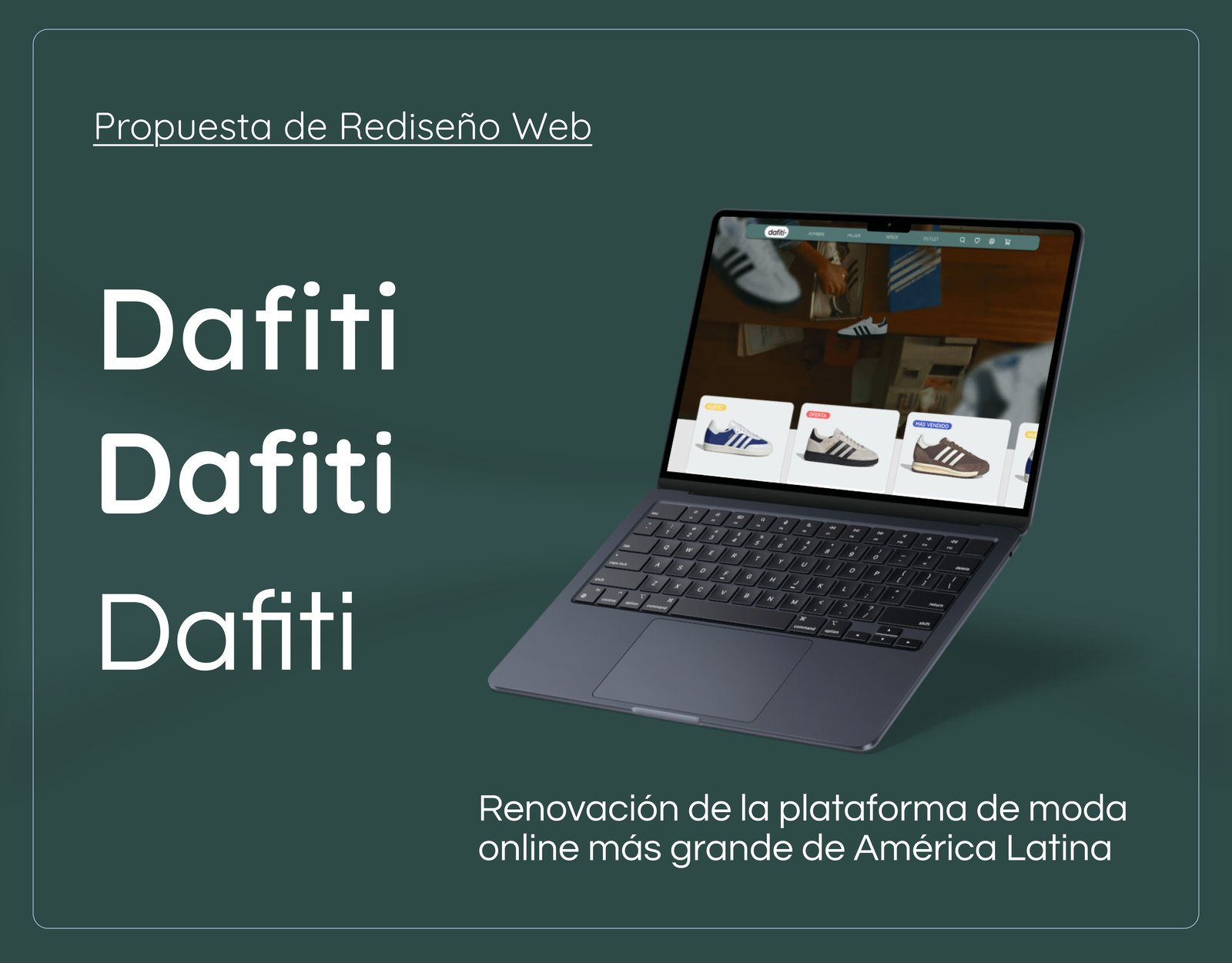
I redesigned the Dafiti web shopping experience end to end: research with real users, information architecture, its own design system and a high fidelity prototype in Figma that went through two versions thanks to usability testing.
Academic project Developed in the Advanced UX/UI Design course at CoderHouse. It wasn't commissioned by Dafiti.
An online store for fashion, footwear and accessories for men, women and kids, with search filters, several payment methods, shipping and returns. Its experience is built to turn visits into sales.
Three pain points came up in user testing. All three stop the purchase right when the person already wants to buy.
Searching, filtering and reviewing the cart is confusing. That leads people to abandon products and lowers conversion, especially among young users who shop through digital channels.
Where do people get lost when buying fashion online? I answered it by comparing competitors, surveying shoppers and measuring navigation with tree testing.
| Criterion | Zara | Éxito Moda | Mercado Libre |
|---|---|---|---|
| Visual aesthetics | Very elegant, editorial style, but not very intuitive | Functional, tied to traditional retail | Modern, clean and friendly, with an up to date UI |
| Ease of navigation | LowNo clear guidance, confusing menus | MediumLong but accessible menu | HighSimplified navigation, menus by category |
| Filters and search | Limited or hard to see | Present, but not very efficient | Automatic, visible and combinable |
| Product information | Image focused, few technical details | Adequate, with clear physical representations | Rich descriptions, size guides and reviews |
| Trust in the process | Attractive visuals but confusing, lacks feedback | Strong thanks to physical retail | Clear visual feedback: confirmations, errors |
What I took away: Mercado Libre set the benchmark with automatic filters, complete product information and visible confirmations.
“It's confusing to see the product's sizes and size guides.”
“Sometimes there should be more detail about materials and composition.”
“The size information isn't enough, especially for people who have no idea about measurements.”
What I took away: 72.7% buy footwear, and that's exactly where sizes hurt the most. 30% also felt that information about materials and durability was missing.
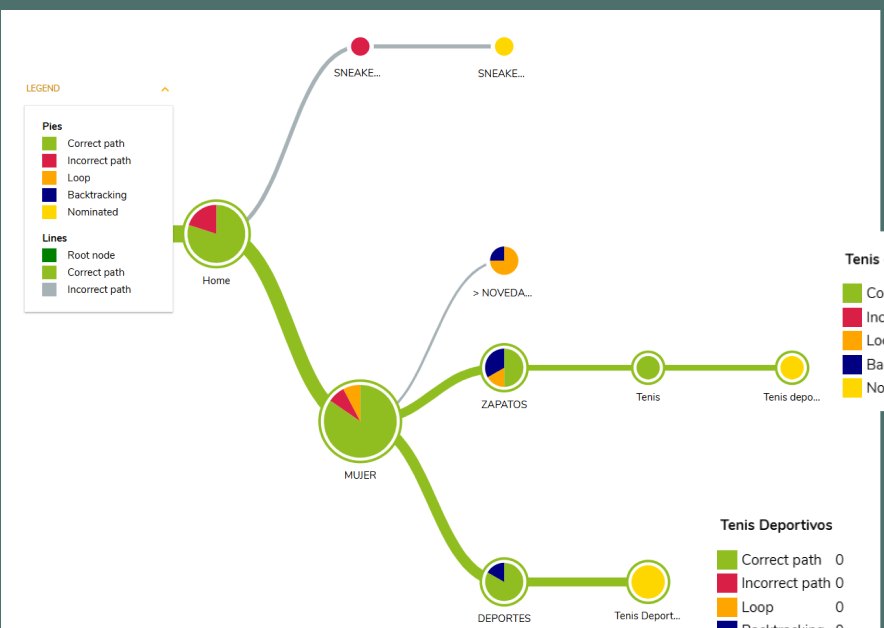
I tested the original architecture with two tasks. There are several valid routes to each option, so I measured which ones people use and where they go off track.
Those who failed ended up in Sneakers for her, which is everyday footwear, not sportswear. Some categories had ambiguous or repeated names.
The ideal route required five levels: Home, Sign up, Registered customers, My orders and View order. 30% got stuck in the cart looking for their order.
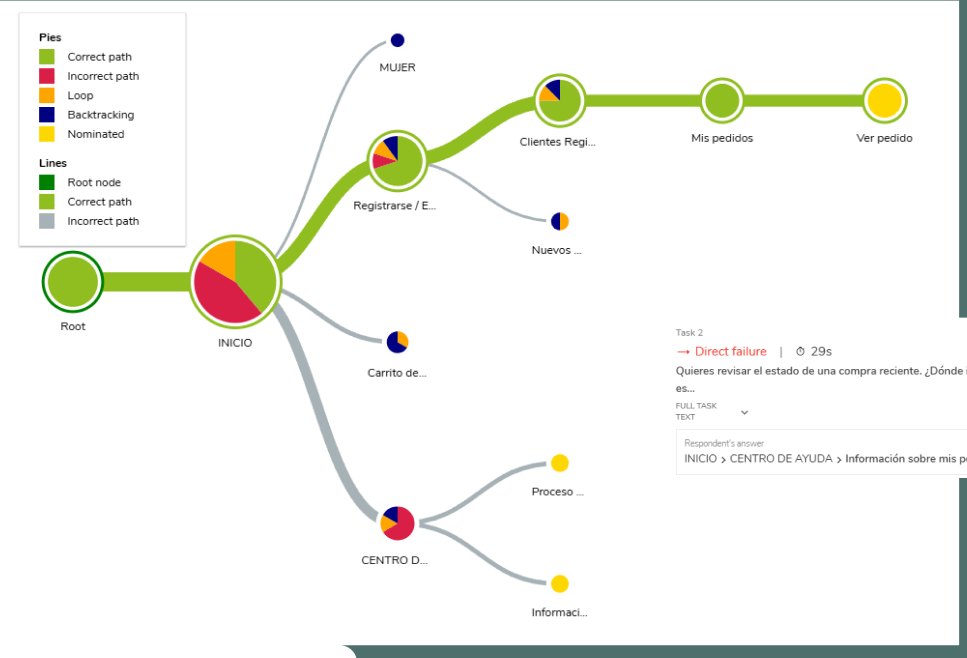
In the survey, 61.9% said they found what they were looking for. In the tree testing, 4 out of 10 didn't reach their order. What people believe and what they do don't always match.
With the survey data I built a persona that sums up the typical shopper. This persona guided the redesign decisions.
Buys once or twice a year, mostly during sales. Prefers footwear because it's easier to choose by size and style. Browses on the phone, but pays on the computer if loading or validation fails.
Eight steps, four stages. Tap each point to see what users said at that moment.
The negative peaks are in the filters, the product page and order tracking. That's where the redesign focused.
I organized everything in a Lean UX Canvas: what we believe, how we'll test it and what we expect to happen.
we reorganize the filters and the navigation hierarchy
thenusers will find what they're looking for faster.
we improve the cart structure and add confirmation messages
thenabandonment will go down.
the size guide and product information are easier to see
thenusers will feel more confident when buying.
I plotted each idea by how much users want it and how feasible it is. That's how the prototype's scope came out.
I mapped the site's full tree and reorganized it with what the tree testing showed: fewer repeated sections and a direct shortcut for what was hardest to find.
Before drawing screens I defined why the brand exists and how it speaks. Then I built the design system in Figma, from atoms to components.
Greens and blues convey trust and freshness. Oranges, reds and yellows guide attention to the key actions.
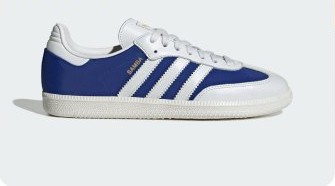
Components rebuilt from the Figma design system: hover over the card and the button, or open the payment dropdown. Icons adapted from Phosphor Icons, outlined with slightly rounded edges.
First I solved the structure in low fidelity wireframes, focusing on the product view and sizes. Then I took that base to the clickable prototype in Figma with the design system applied.
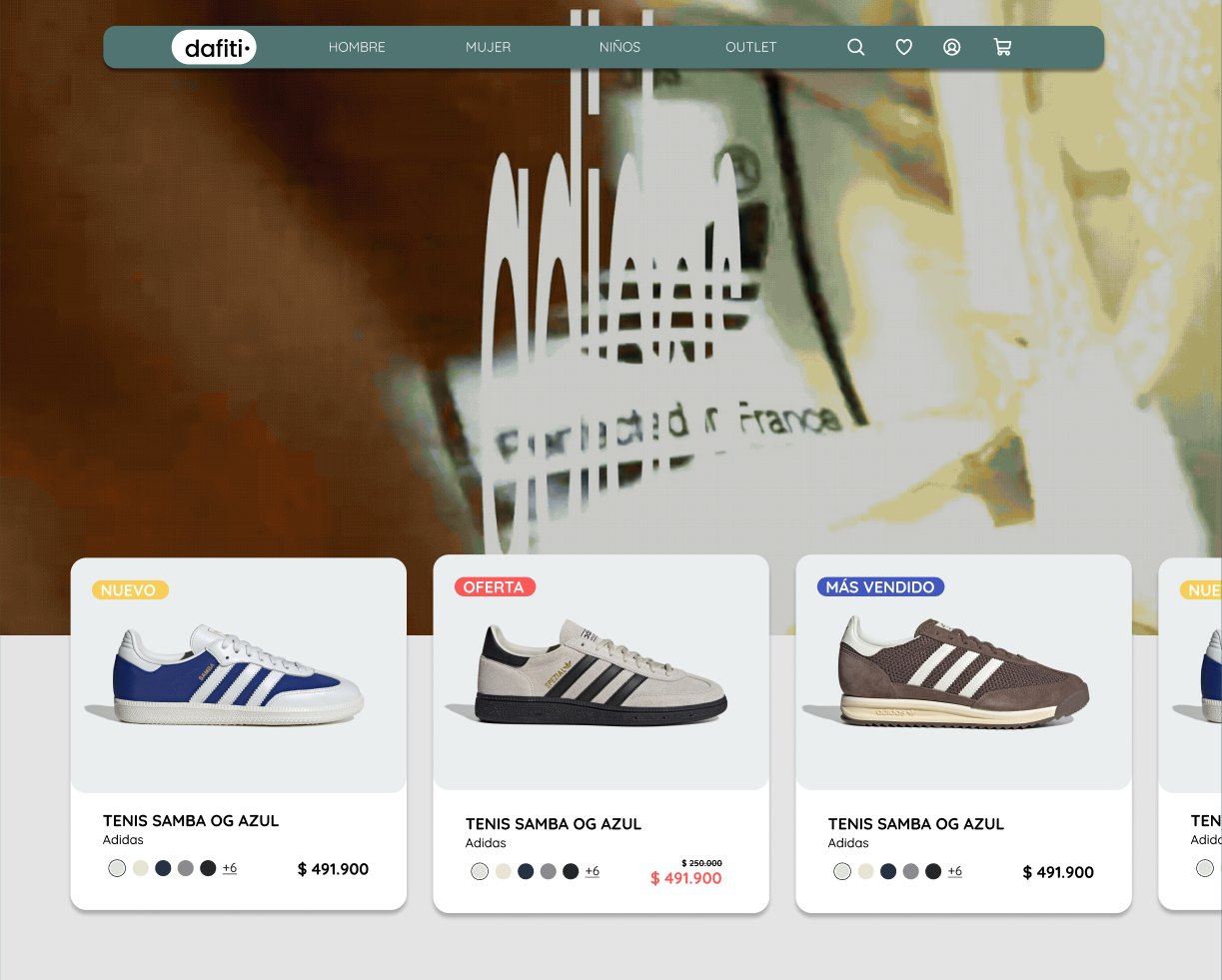
Four main categories and access to search, favorites, account and cart always in view.
New, Sale and Best seller tags, available colors and the discounted price in plain sight.
The size guide is separate and visible on the product page, not hidden in a link.
Separated products, clear hierarchy in each item and a confirmation before removing.
I ran a remote moderated test with 3 users. I asked them to think out loud while solving the same two tasks from the tree testing, to see doubts, routes and extra clicks.
Finding the order: 28 s median, and 4 out of 10 didn't get there.
3 out of 3 found itbetween 10 and 12 s
These are different tests with small samples, so it isn't a lab comparison. Even so, the hardest task became the fastest.
With these adjustments I built the final prototype V2, the one that opens this case: reordered navigation, visible sizes, confirmations in the cart and a direct shortcut to the order. See the prototype in Figma ↗
Case study · UMNG Anatomy Museum
I led a team of eight people to turn a collection of real anatomical specimens, kept in an isolated room on the Cajicá campus, into a digital experience anyone can explore from their computer or phone.
The Universidad Militar Nueva Granada holds a collection of real anatomical specimens with high scientific and educational value. The problem was that they lived in formaldehyde, in an isolated room on the Cajicá campus, and most of the university community didn't even know the museum existed.
The Museums Division gave us a concrete challenge: give that collection visibility. I led a team of eight people to turn the museum into a digital experience anyone could explore from their computer or phone.
Academic project with a real client Multimedia Engineering, Multimedia Integration course: 3D Applications.
Analyzing the situation with the client, we found the museum faced three barriers.
We defined two archetypes with the team and the client.
Driven by curiosity about the human body.
With little time available and little familiarity with 3D experiences.
The digital format lets people get close to the specimens with a distance the physical room doesn't offer.
After reviewing references like the Heidelberg Anatomy Museum and the Visible Human project, we structured the experience into two complementary paths.
Each specimen is shown on its own, with its interactive 3D model and detailed anatomical information.
A navigable 3D space, like a video game, that recreates the museum room.
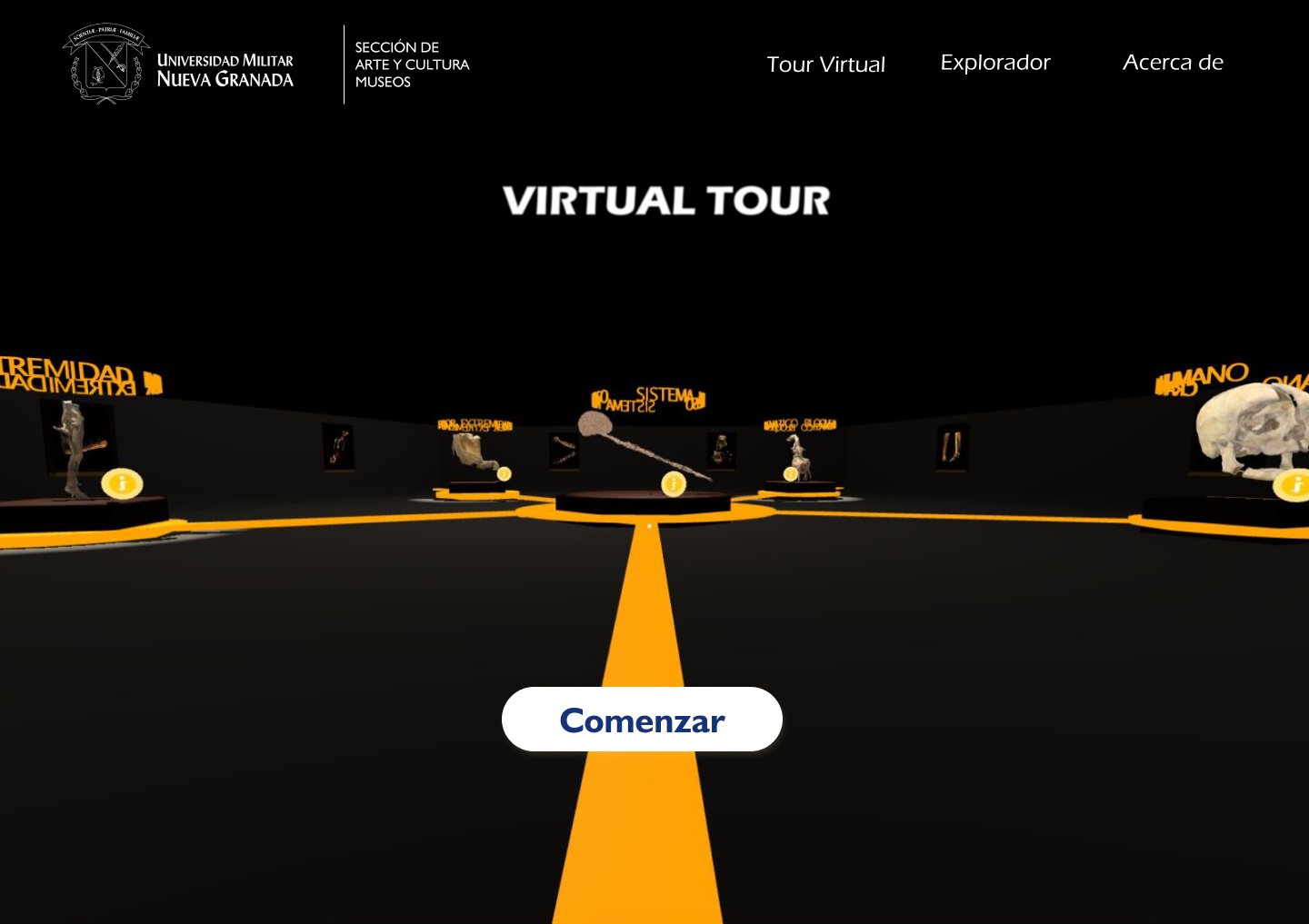
I designed the map of the space: a hexagonal room where each specimen has its own display point and a clear visiting order.
That was the client's main requirement. I built the visual system on UMNG's institutional identity, deep blue with yellow accents, and designed every screen so the interface would get out of the way.
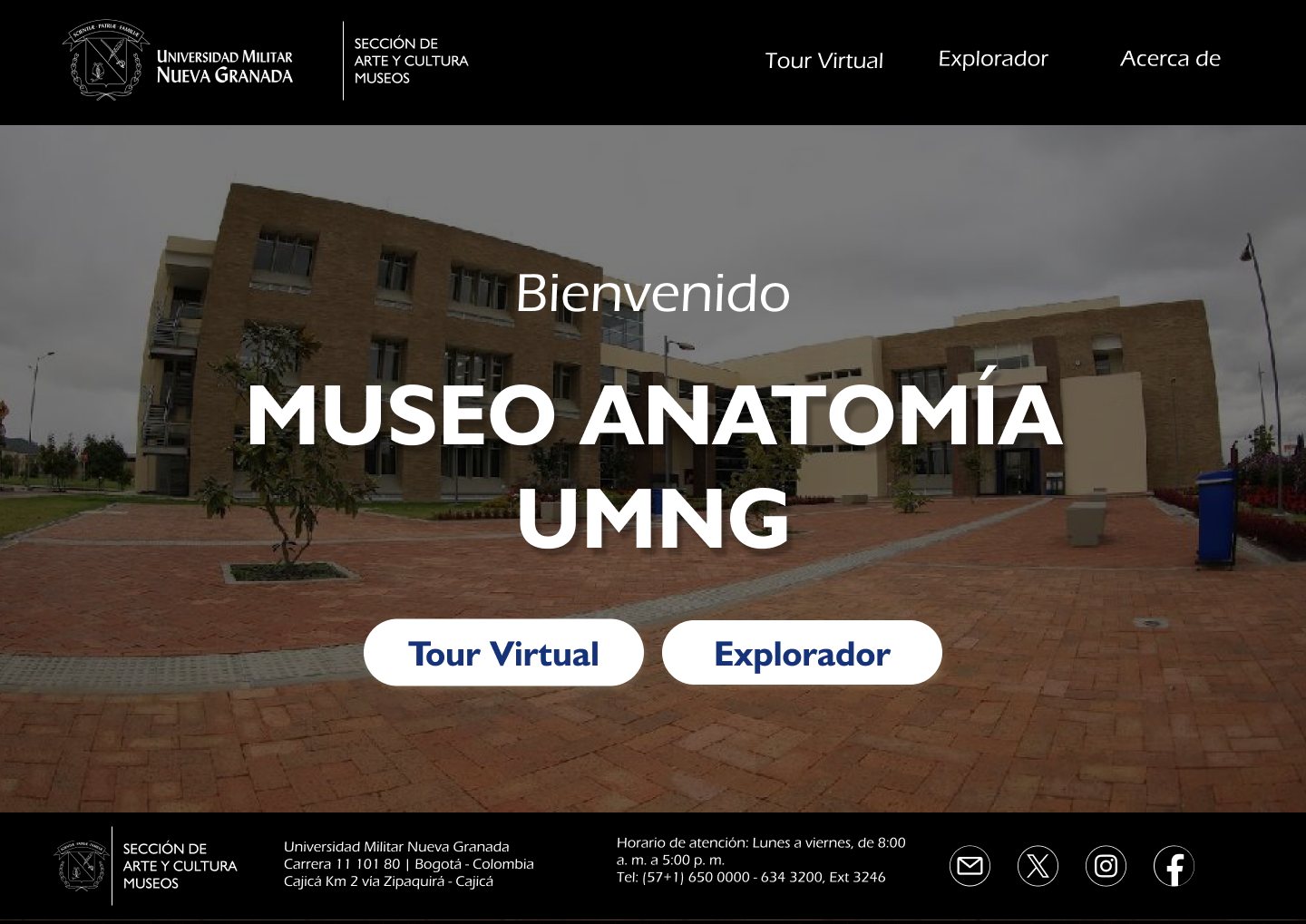
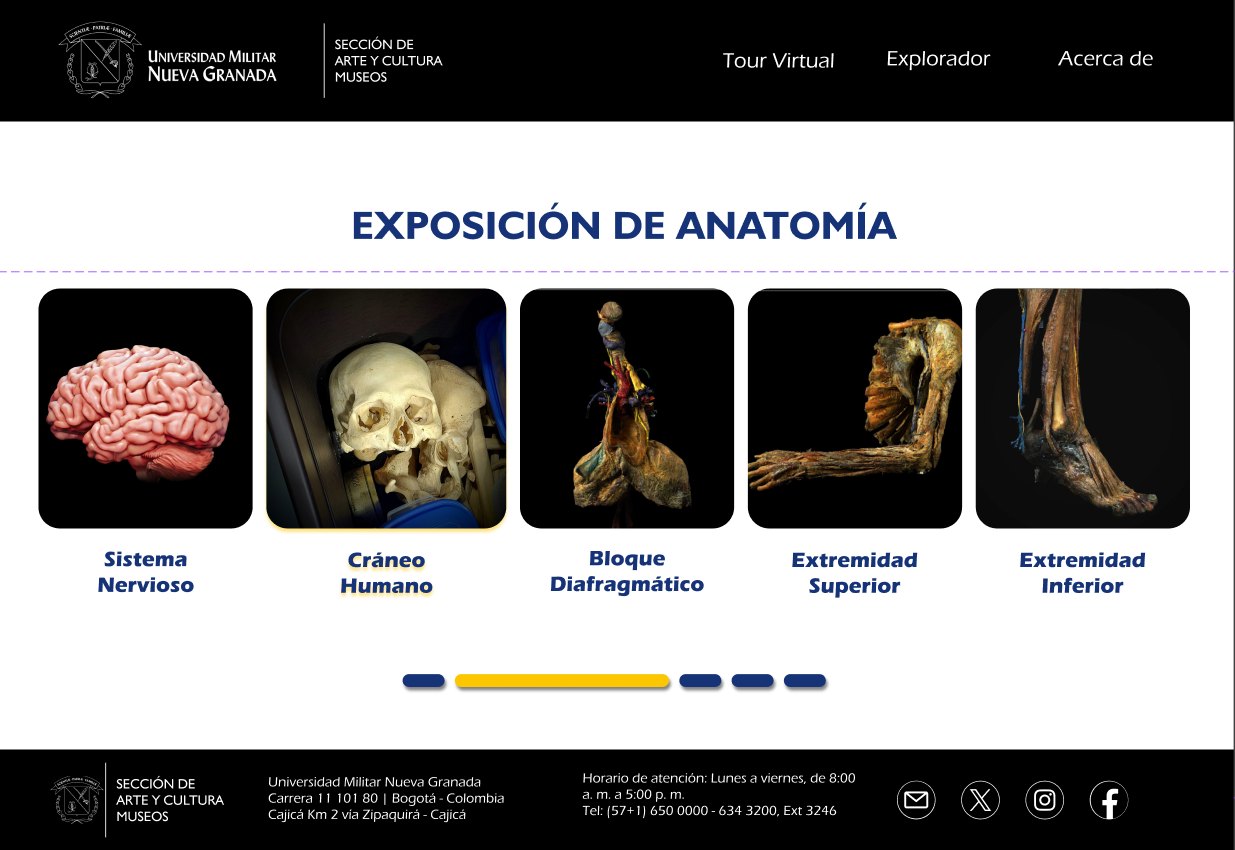
A direct entry with a photo of the campus and only two decisions: Virtual Tour or Explorer. From the first second, users choose how they want to experience the museum.
The exhibition is presented as a carousel of the five specimens, so you can see at a glance what the museum holds before going deeper into one.
Each specimen floats on a blue halo that isolates it from the white background, as if it were lit inside a display case. Scroll the screen inside the frame or tap each point.
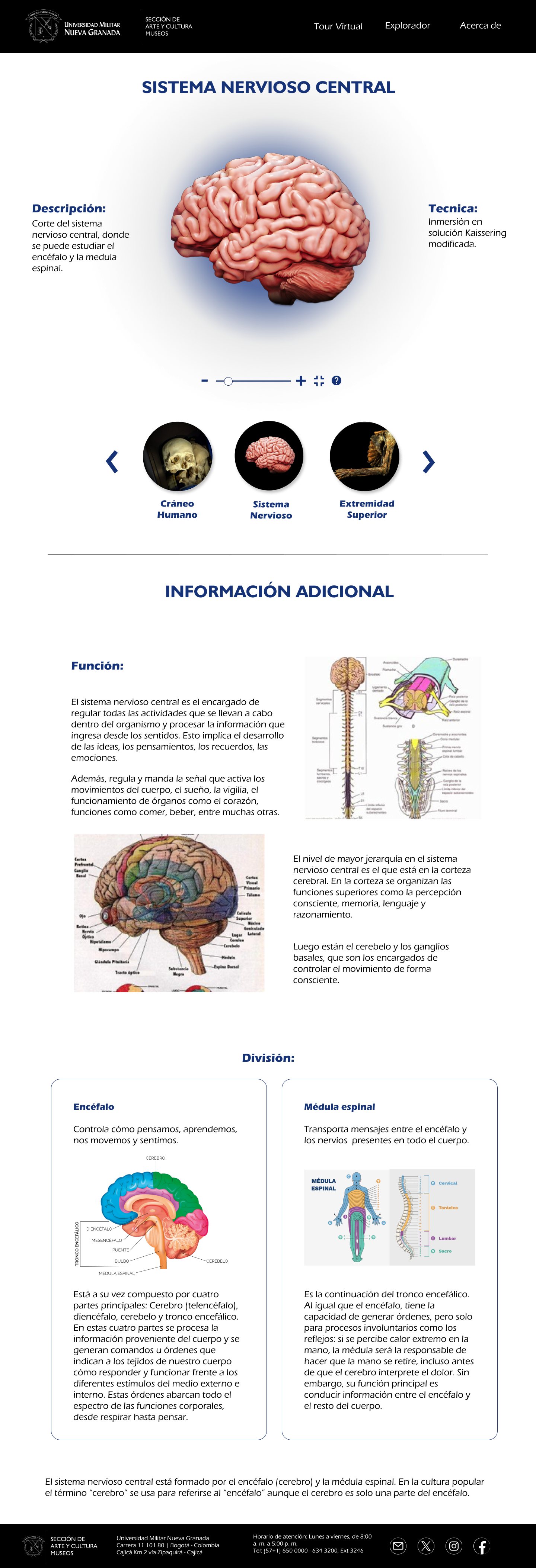
Those who are just curious don't get overwhelmed, and those who study find depth.
The page presents the university's system of collections. I explored several versions of cards that expand to reveal the subcollections of each one, so the Anatomy Museum is understood as part of a broader heritage.
The detail view was designed for desktop, tablet and mobile. On small screens the information reorganizes into a single column and the navigation moves into a dropdown menu.

Both frames scroll together so you can compare how the same information reorganizes.
Each specimen in the 3D space has a yellow information point that opens a card with its name, description, function and technique. I built it as a reusable component for all five specimens.
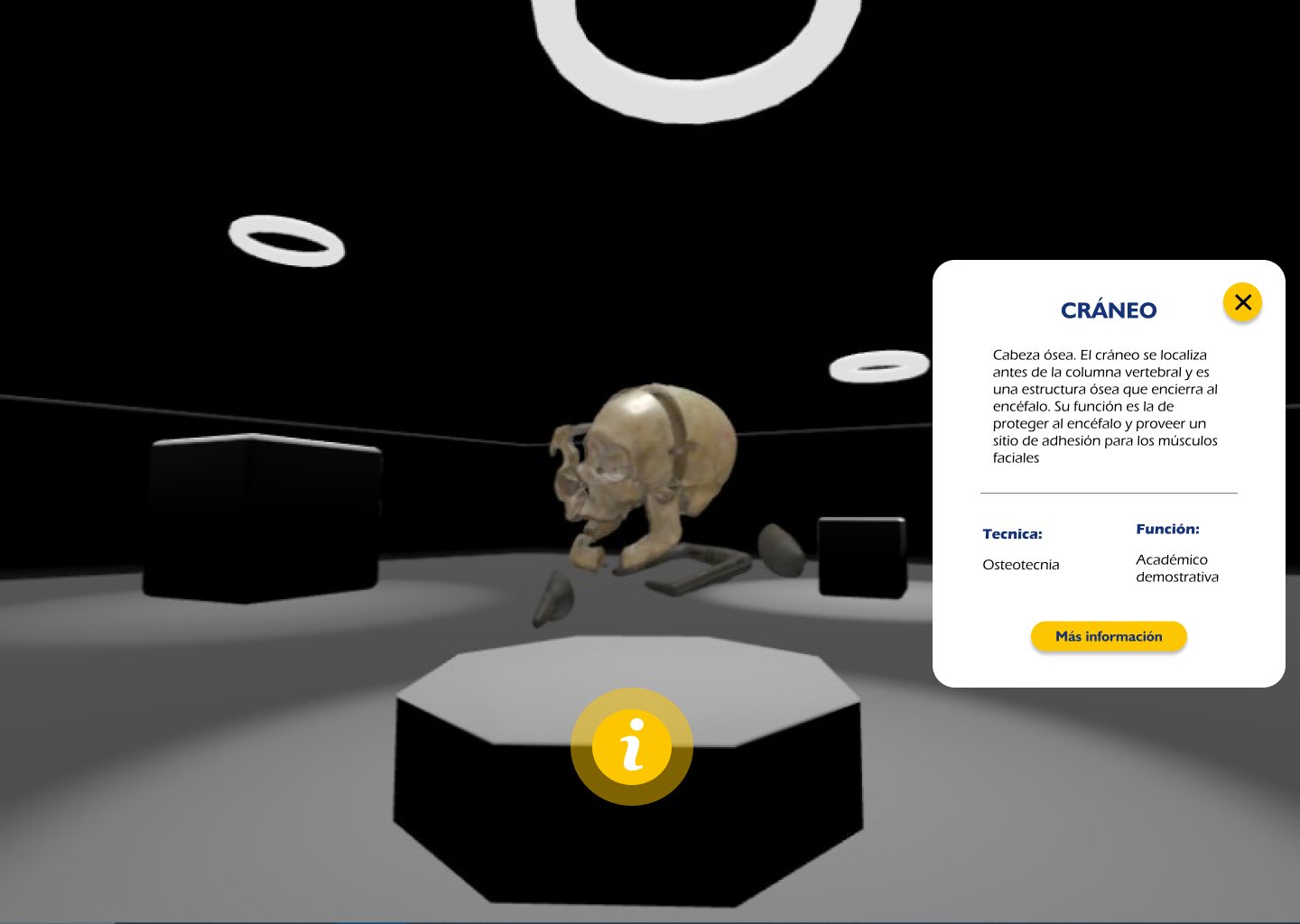
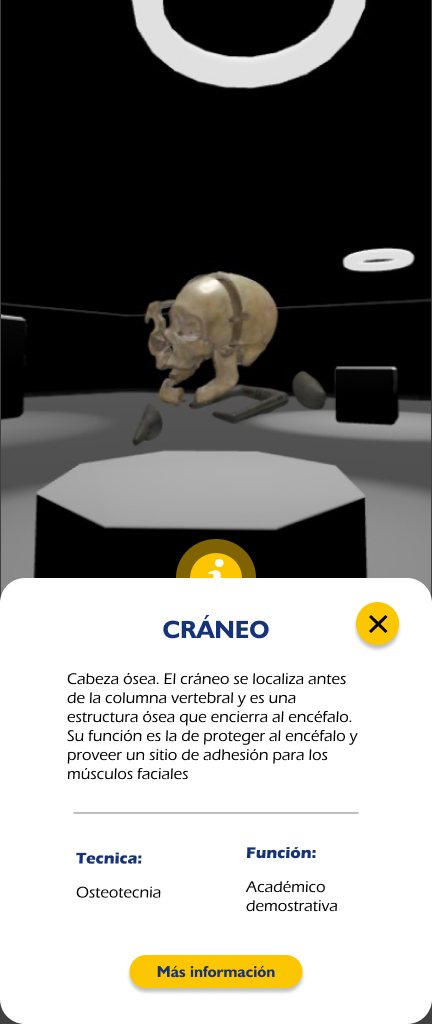
In portrait, the card slides up as a bottom sheet and leaves the specimen visible above.
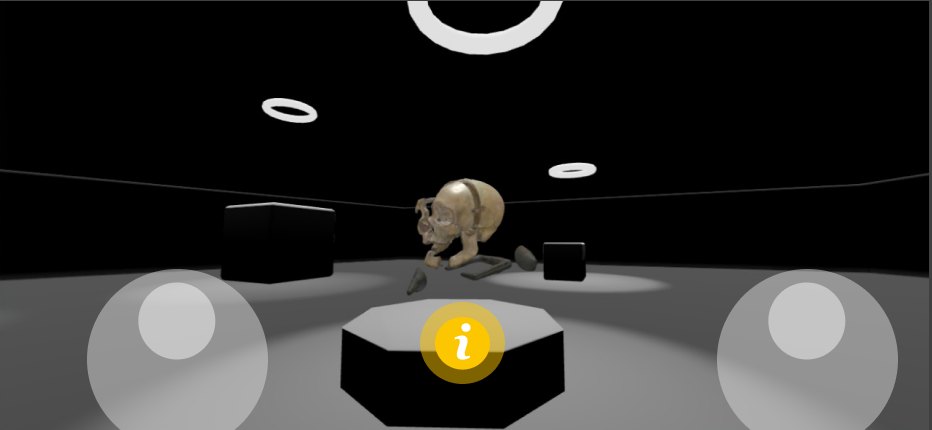
In landscape, navigation switches to two touch joysticks: one to move and one to look around.
The specimens were digitized with a laser photogrammetry scanner, but the resulting models had too many polygons to load in a browser.
The specimens preserved in jars of liquid couldn't be scanned, because the liquid distorted the capture. In those cases we decided to model them from scratch.
The tour went through a similar process in Needle Engine so it would run smoothly on everyday devices.
The clearest finding was that the experience was noticeably smoother on desktop than on mobile. That shaped the optimization and interface adjustments for small screens.
Smoother experience
Less smooth: this is where the optimization and interface adjustments focused.
We delivered to the university a working prototype, with the page and the tour as a demo, along with the complete interface system in Figma. The architecture was designed so the museum can keep adding specimens to its digital collection.
I was the leader of a team of eight people. Coordinating everyone's work and keeping a shared vision of the project was as important as designing.
The 3D models were made with a scanner and photogrammetry techniques. Finding and learning the right tool was part of the project.
Designing for the university called for clear prototypes, able to show and validate every decision with the institution.
Collection · Motion graphics and video
Pieces animated in After Effects and Illustrator to present products, communicate on social media and tell my own brand.
Gallery · Social media design
A selection of pieces for different brands: AVACOM, a mental health training platform (confidential brand), AIESEC and Creatividad Digital.
Case study · Pinauto · Brand redesign
Pinauto is a body and paint shop in Zipaquirá. Its image didn't live up to its work. I designed a new identity, the brand manual, the stationery, the services brochure and the visual line for its social media.
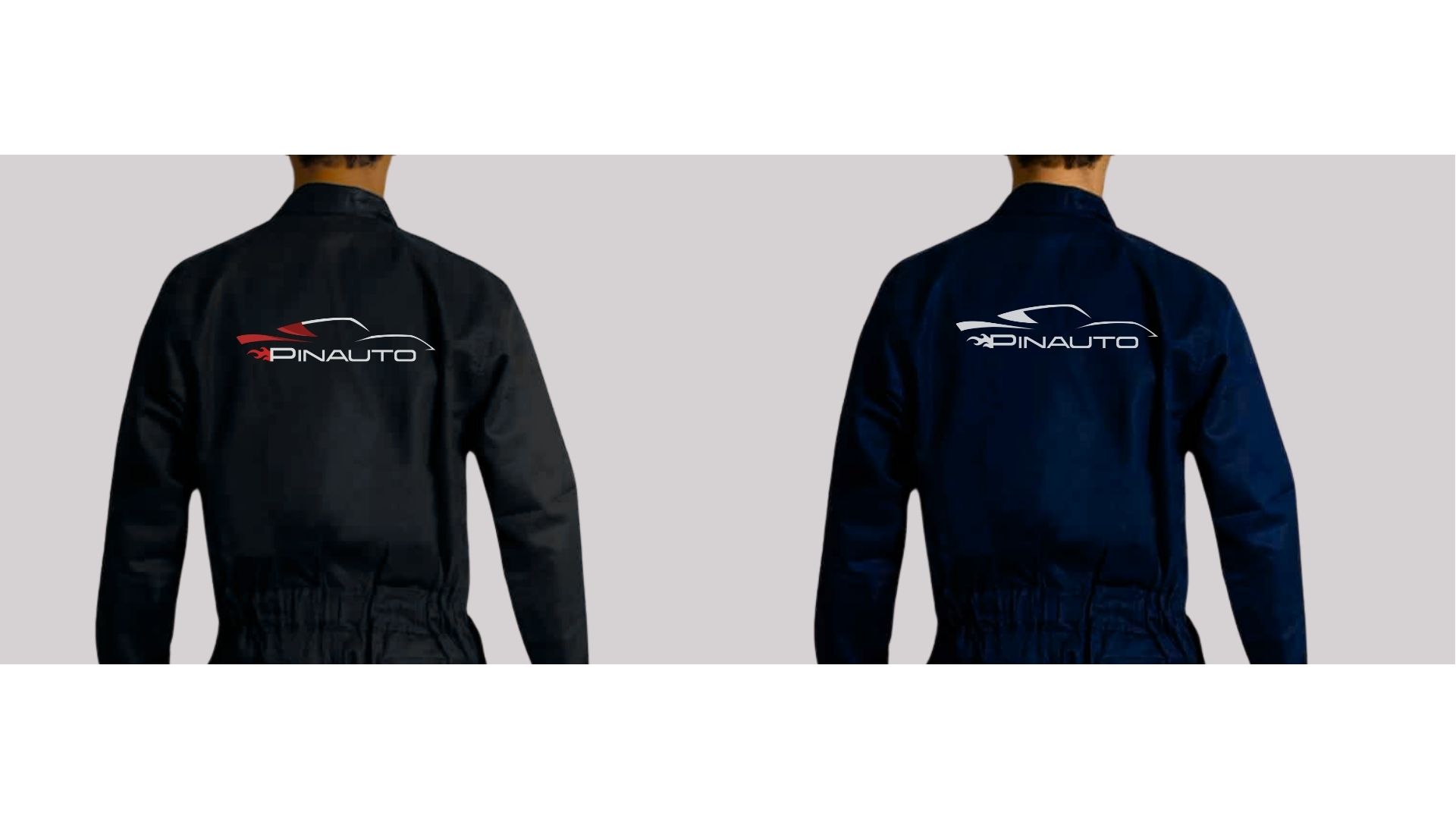
I redesigned Pinauto's identity from start to finish: a new logo, its brand manual, the stationery, the shop's uniforms, a brochure with its services and the pieces for Instagram and TikTok.
From academic to real It started as an academic project and ended with Pinauto as a real client.
It repairs car bodies, applies high quality automotive paint and does polishing and ceramic coating treatments. It serves customers in Zipaquirá and the region.
The previous brand used a logo in cursive lettering and a photo of a red sports car on the business card, and another logo in blue on the shop sign. Each piece spoke differently.
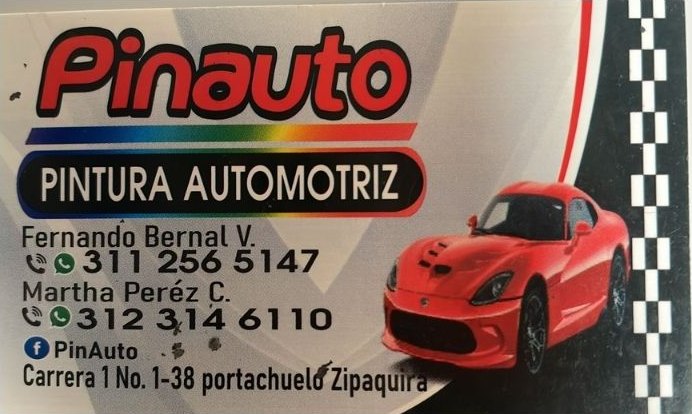
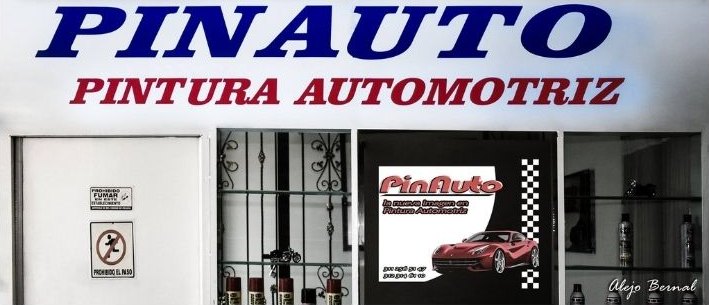
Pinauto needed a new identity to:
For the brand to convey the same quality and trust the shop delivers on every vehicle.
The buyer persona guided the tone of the brand and the pieces: someone with little time, who wants a flawless finish and distrusts informal shops.
Keeping the vehicle in excellent condition, trusting quality shops and finding a good balance between price and professionalism.
Saving time and guaranteeing a flawless finish on every repair.
Unprofessional shops, low quality results and little clarity about prices and services.
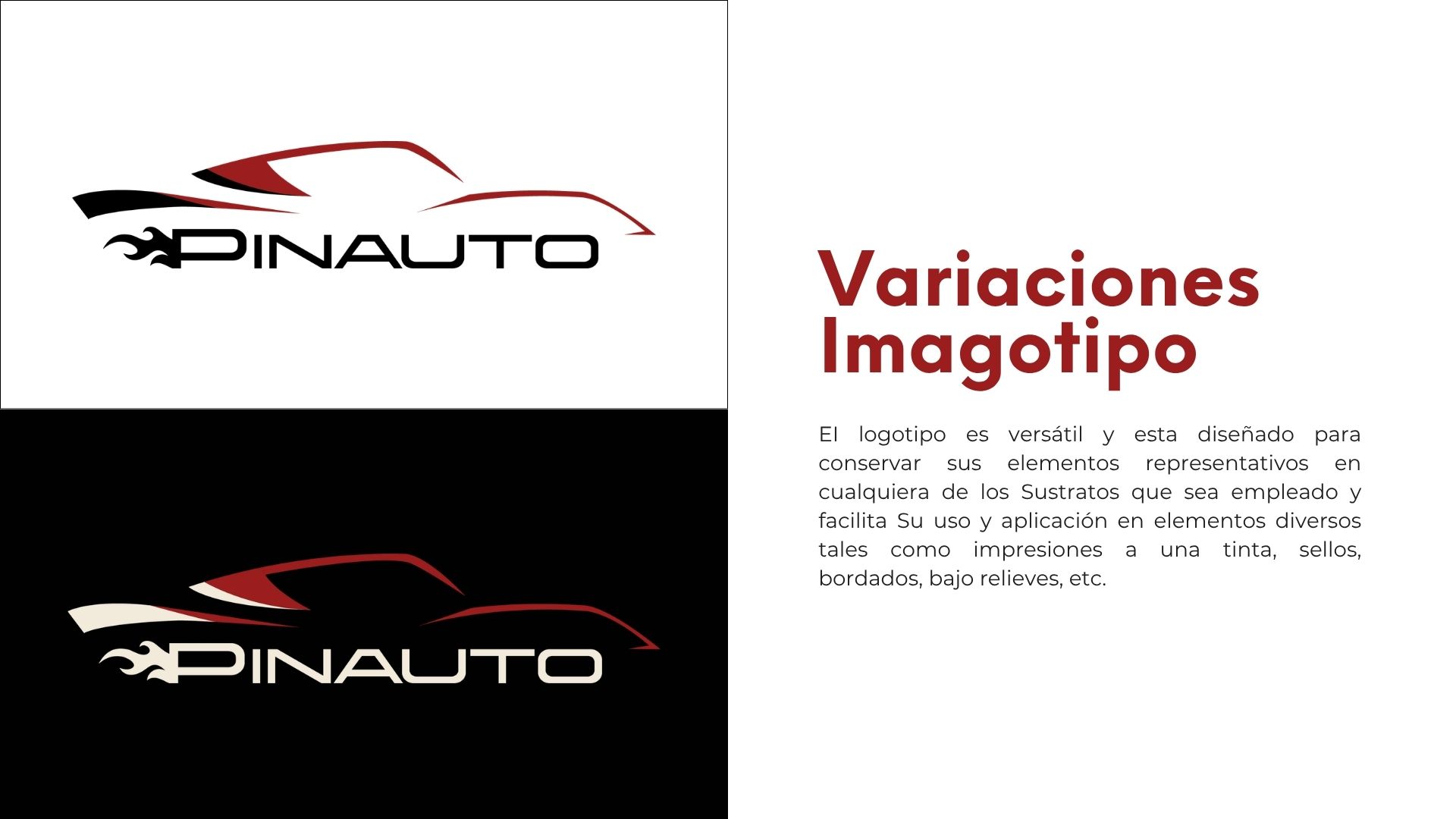
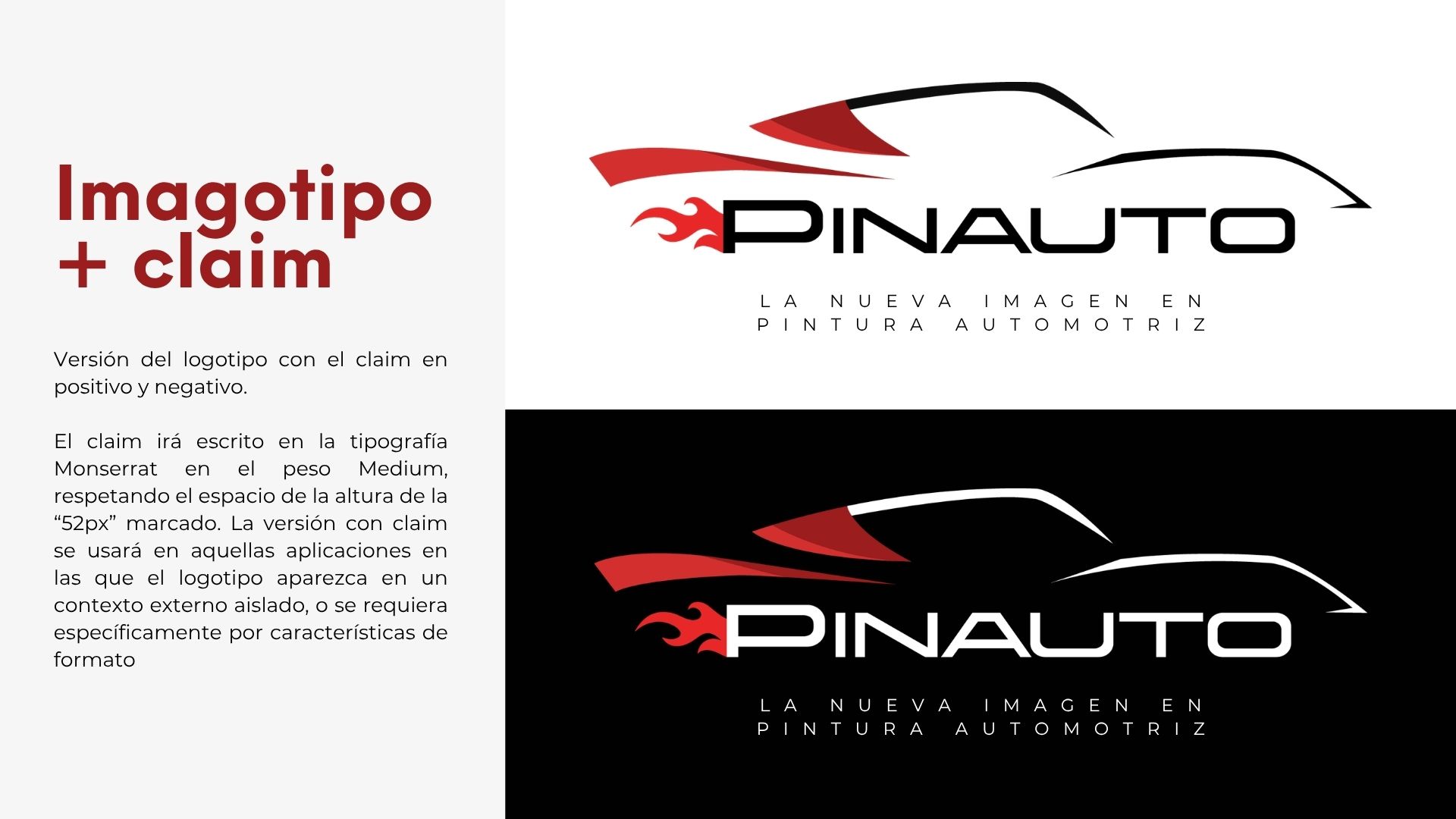
The logo draws the silhouette of a sports car with just a few lines, and a flame comes out of the P. It comes with the tagline «The new image in automotive paint». It has a main version for light and dark backgrounds, a monochrome version for one ink printing, stamps or embroidery, and a version with the tagline.
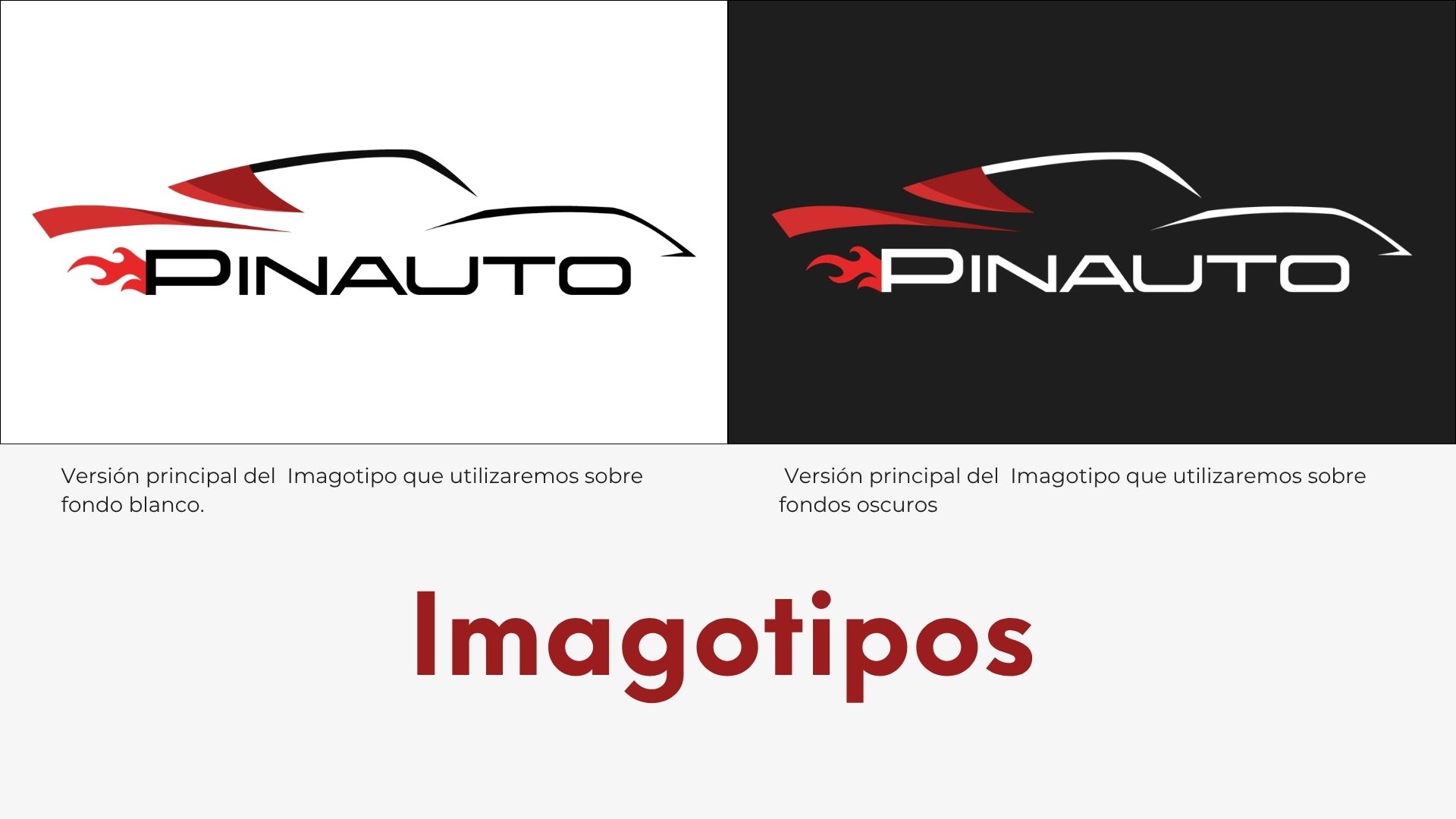
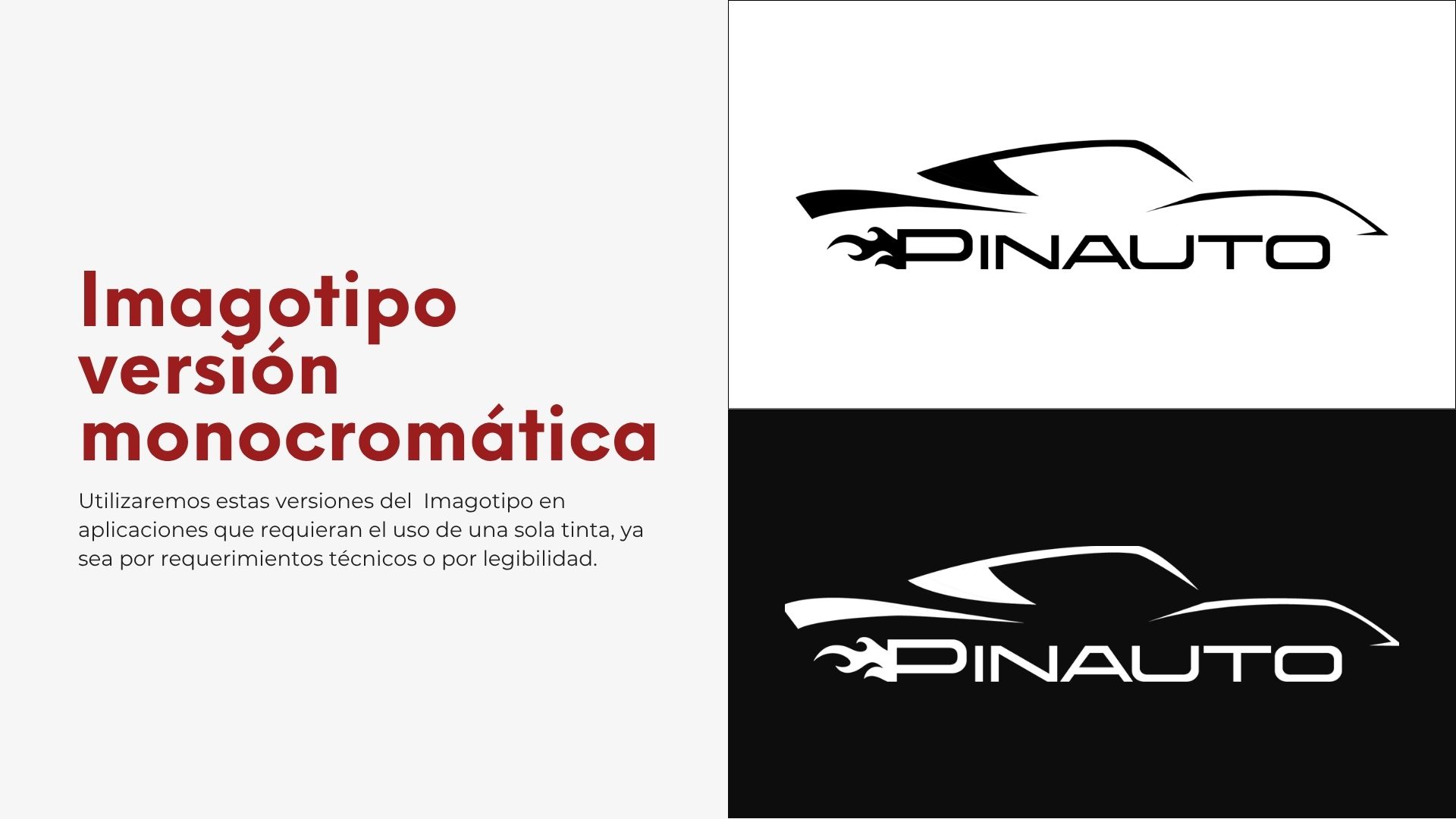
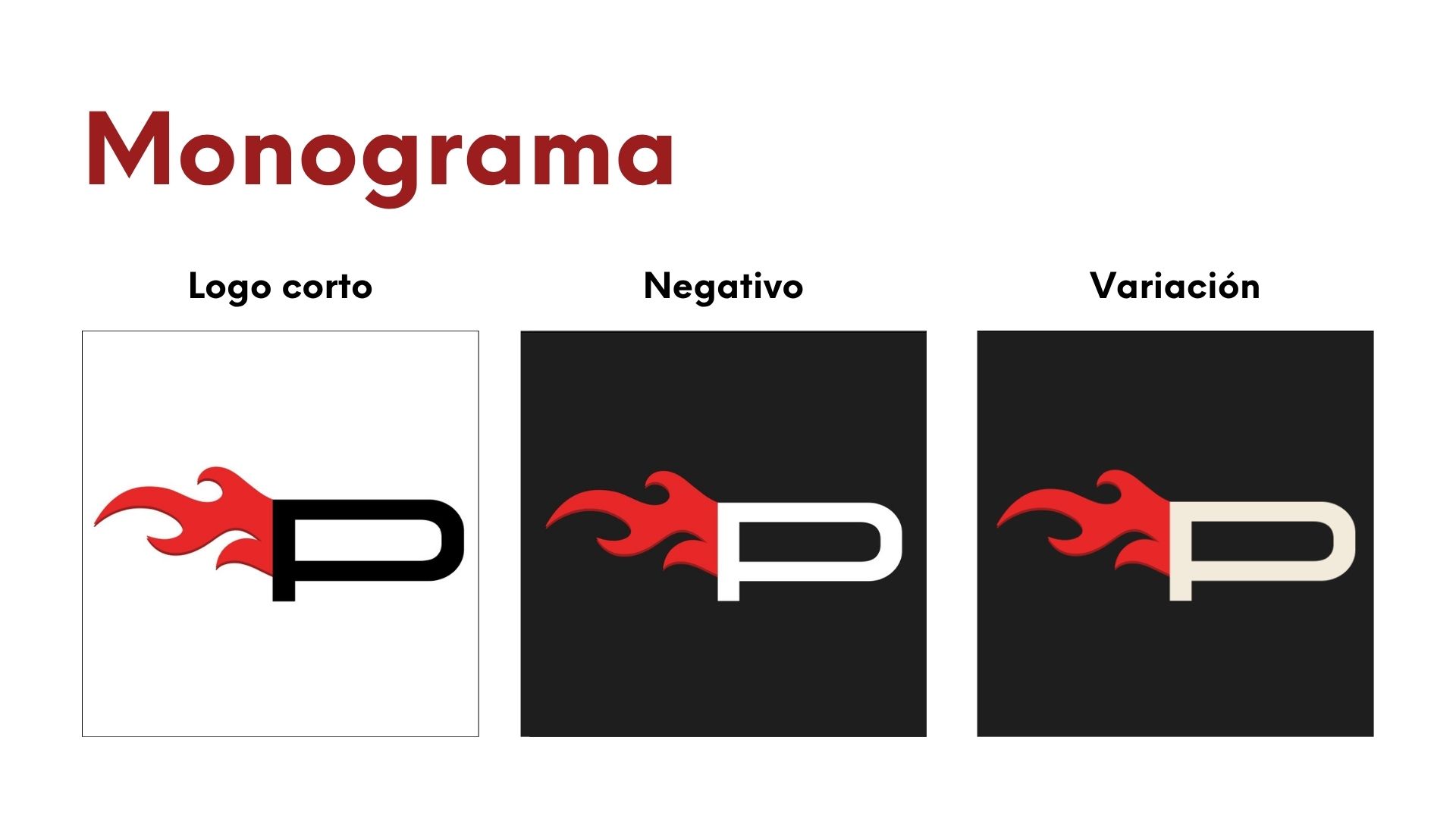
For small spaces, like the social media profile or the corner of each post, the brand is reduced to the P with the flame, in positive, negative and cream.
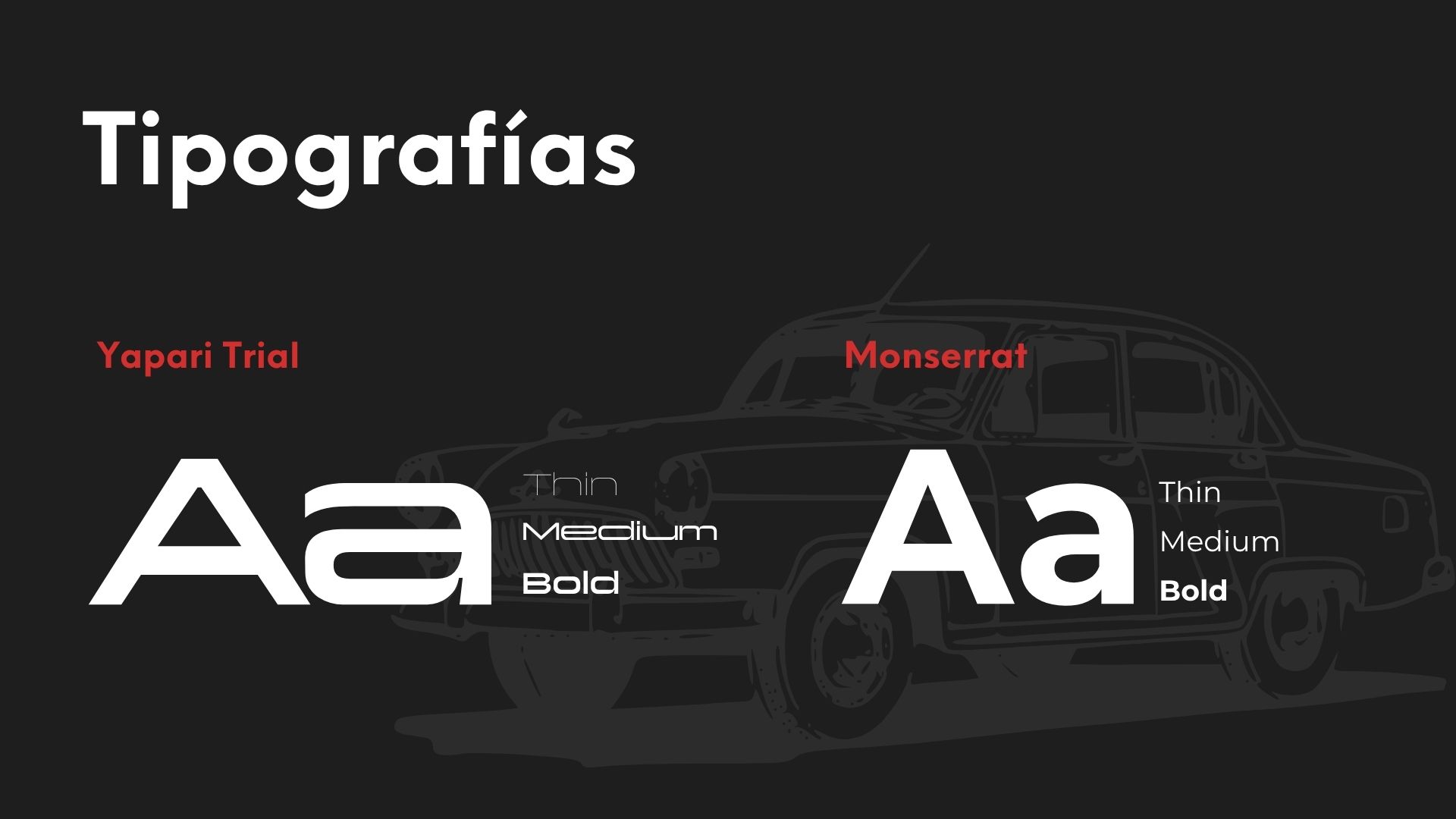
Two paint reds, a cream that softens and the black of the shop. For headlines and the logotype, Yapari, a wide, technical typeface. For body text and the tagline, Montserrat.
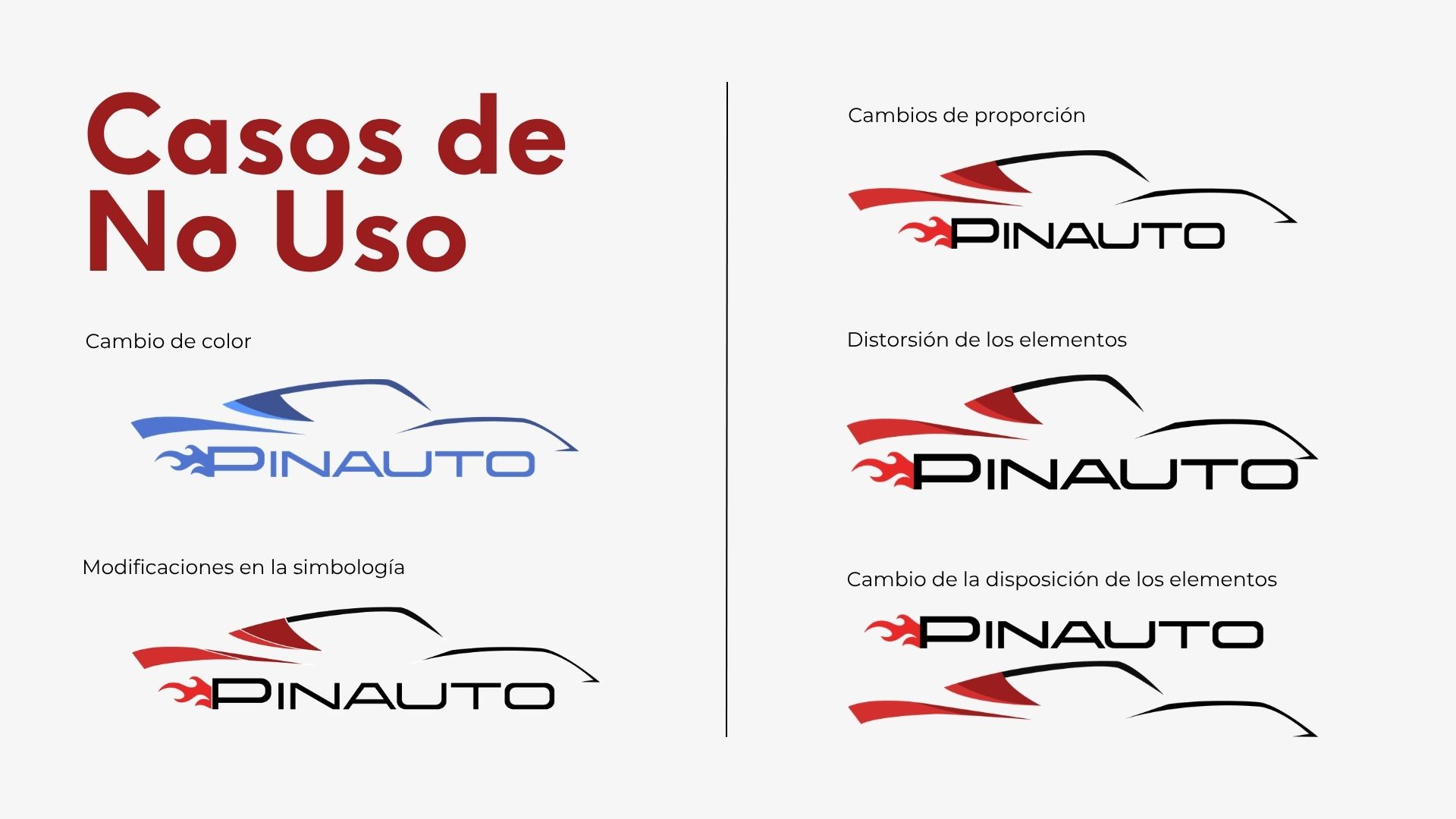
The manual also shows what not to do with the logo, so the brand stays the same in every piece.
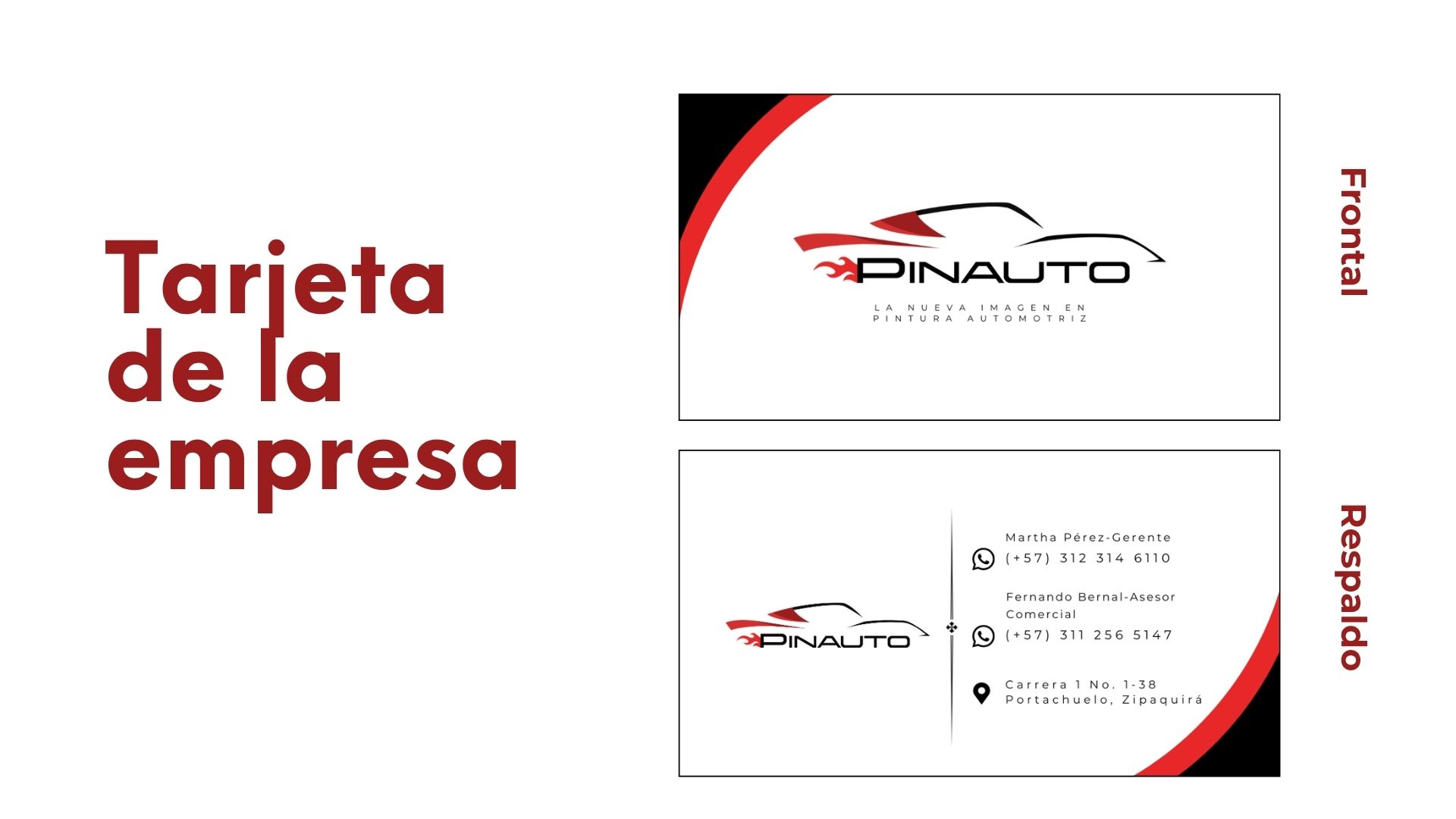
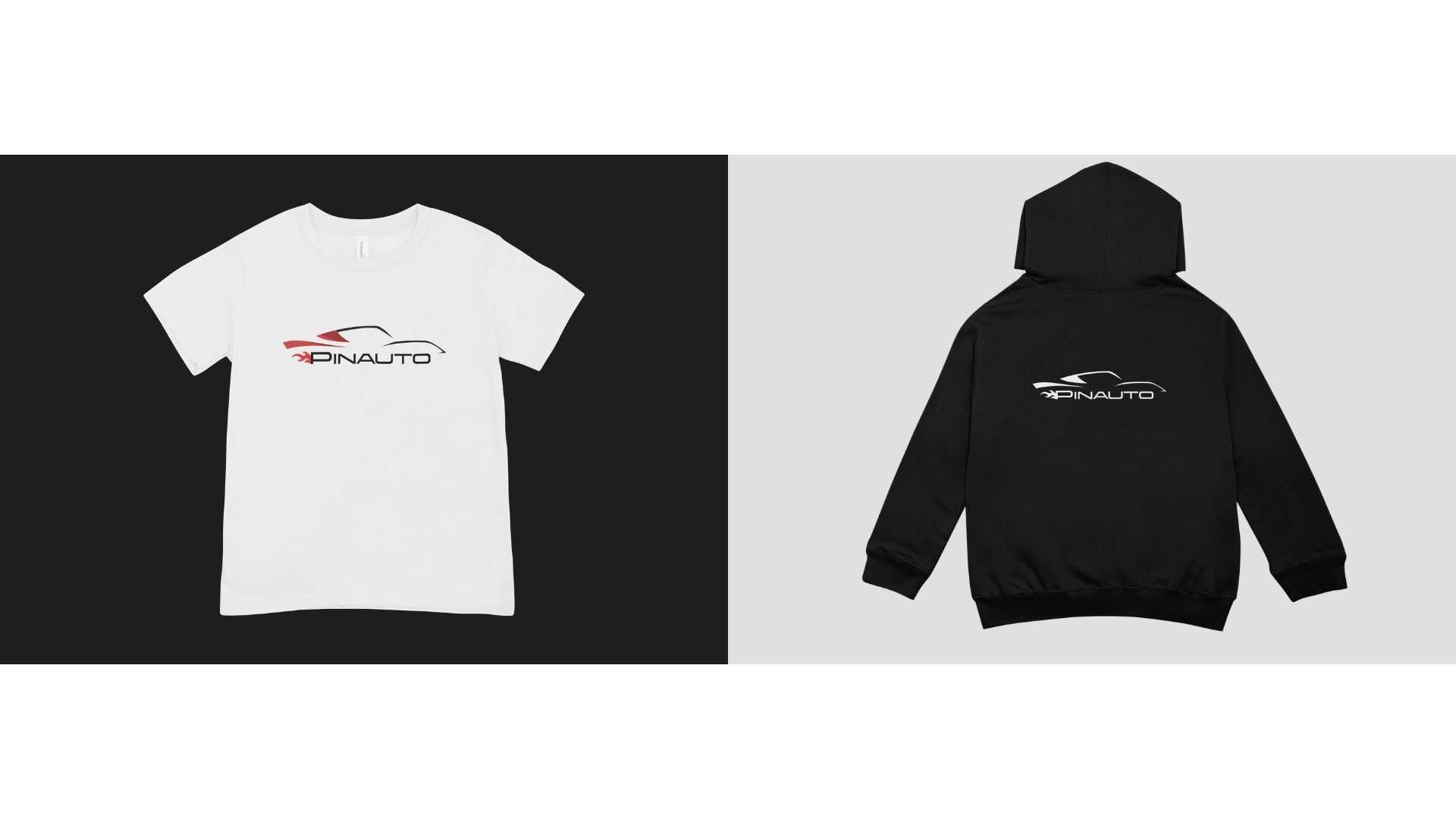
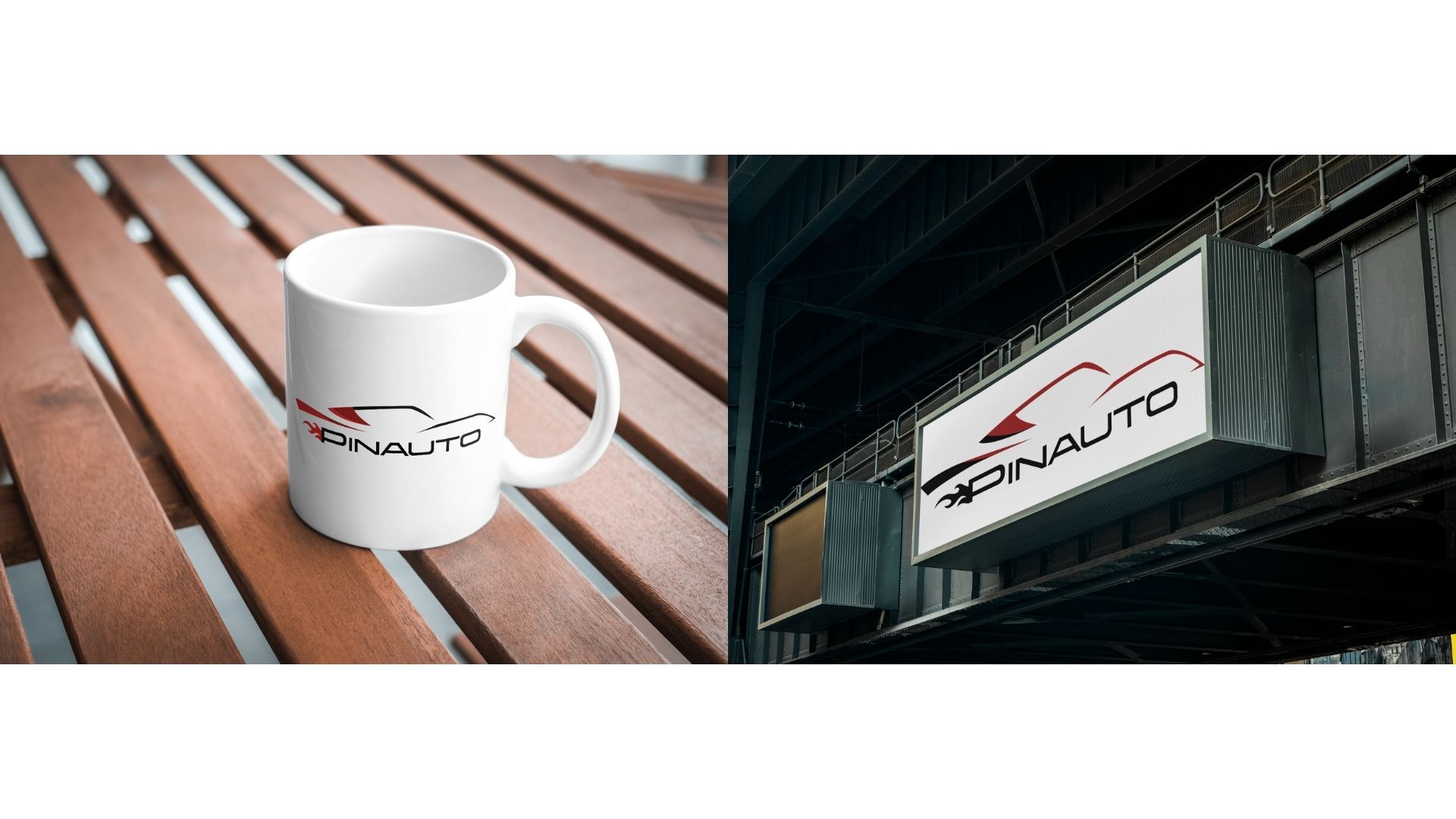
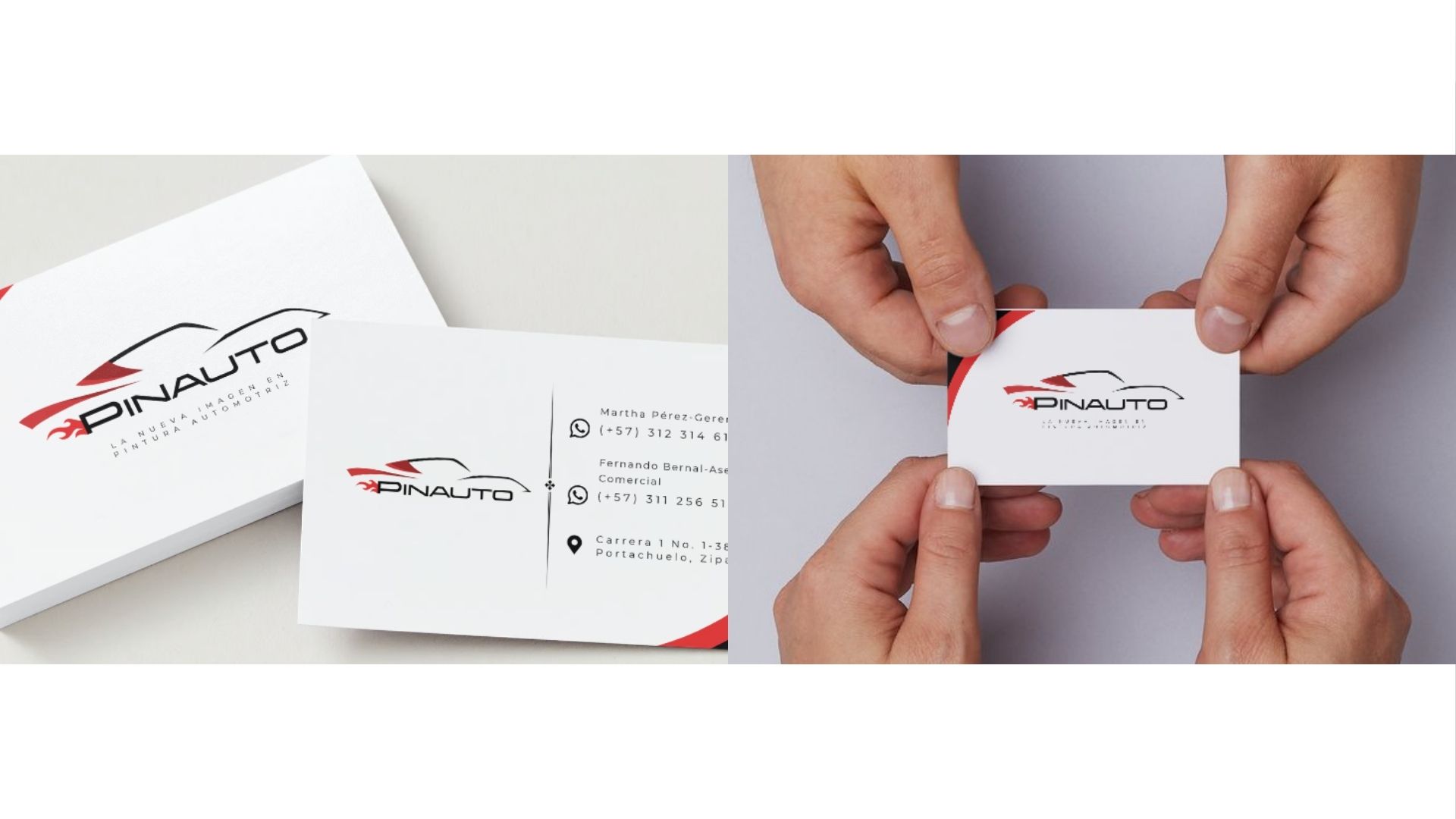
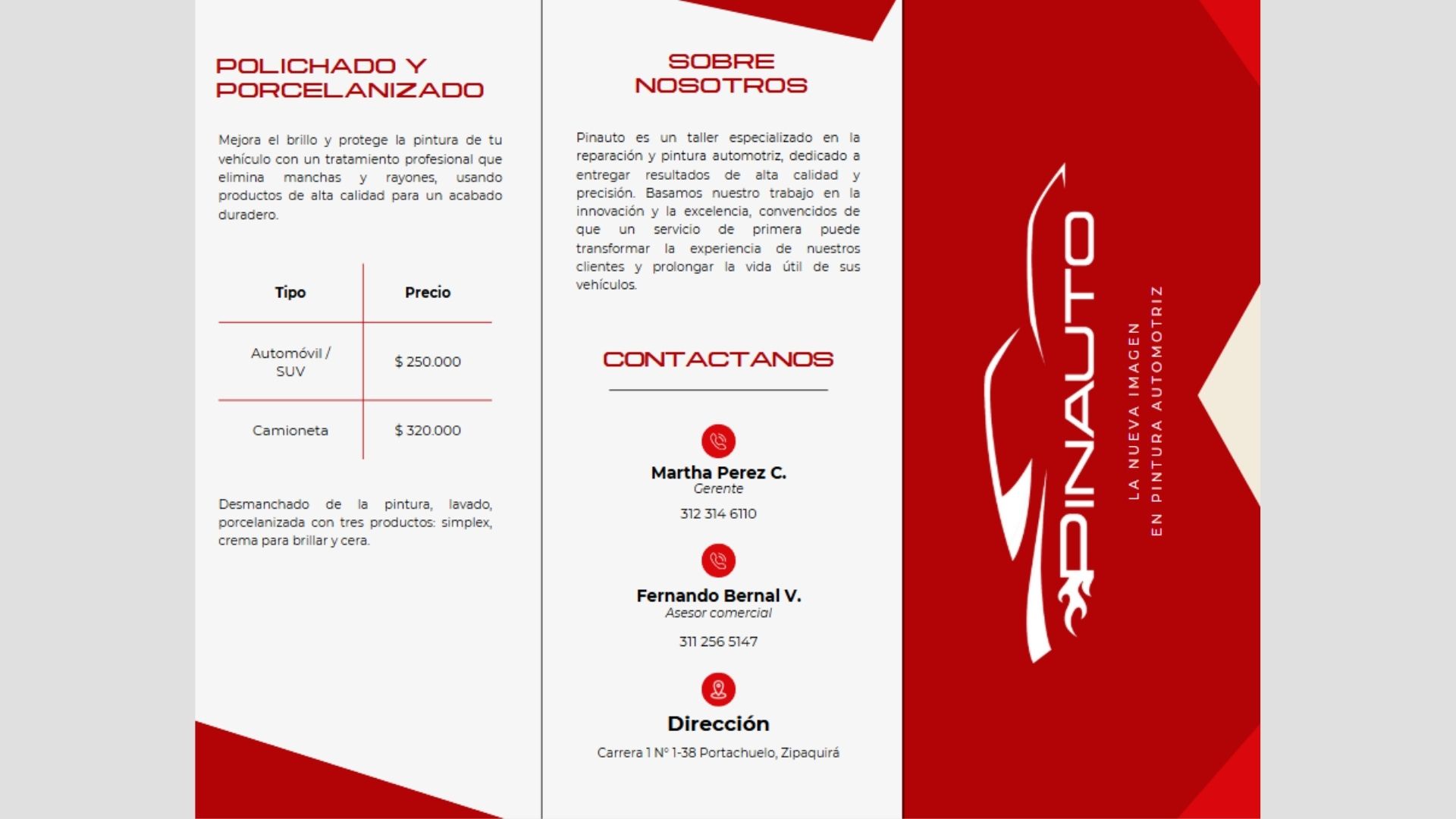
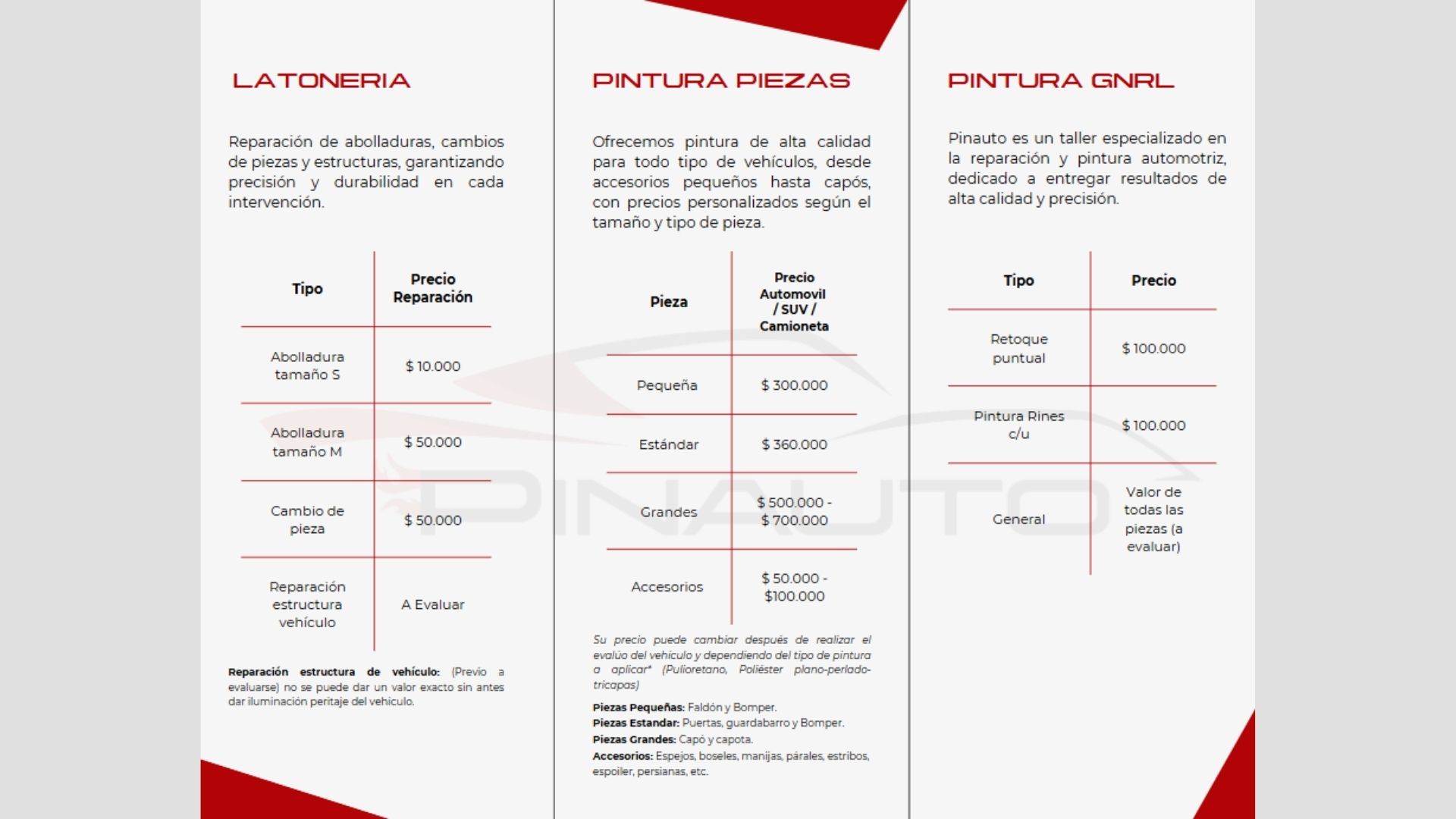
The brand moves into the stationery, the team's uniforms and the shop sign. The brochure brings the services together with their prices so customers know what to expect before they arrive.
The posts use real photos of the shop in dark tones, the monogram in one corner and a short text explaining each service, like bodywork, polishing or ceramic coating. Tap a post to see it larger.
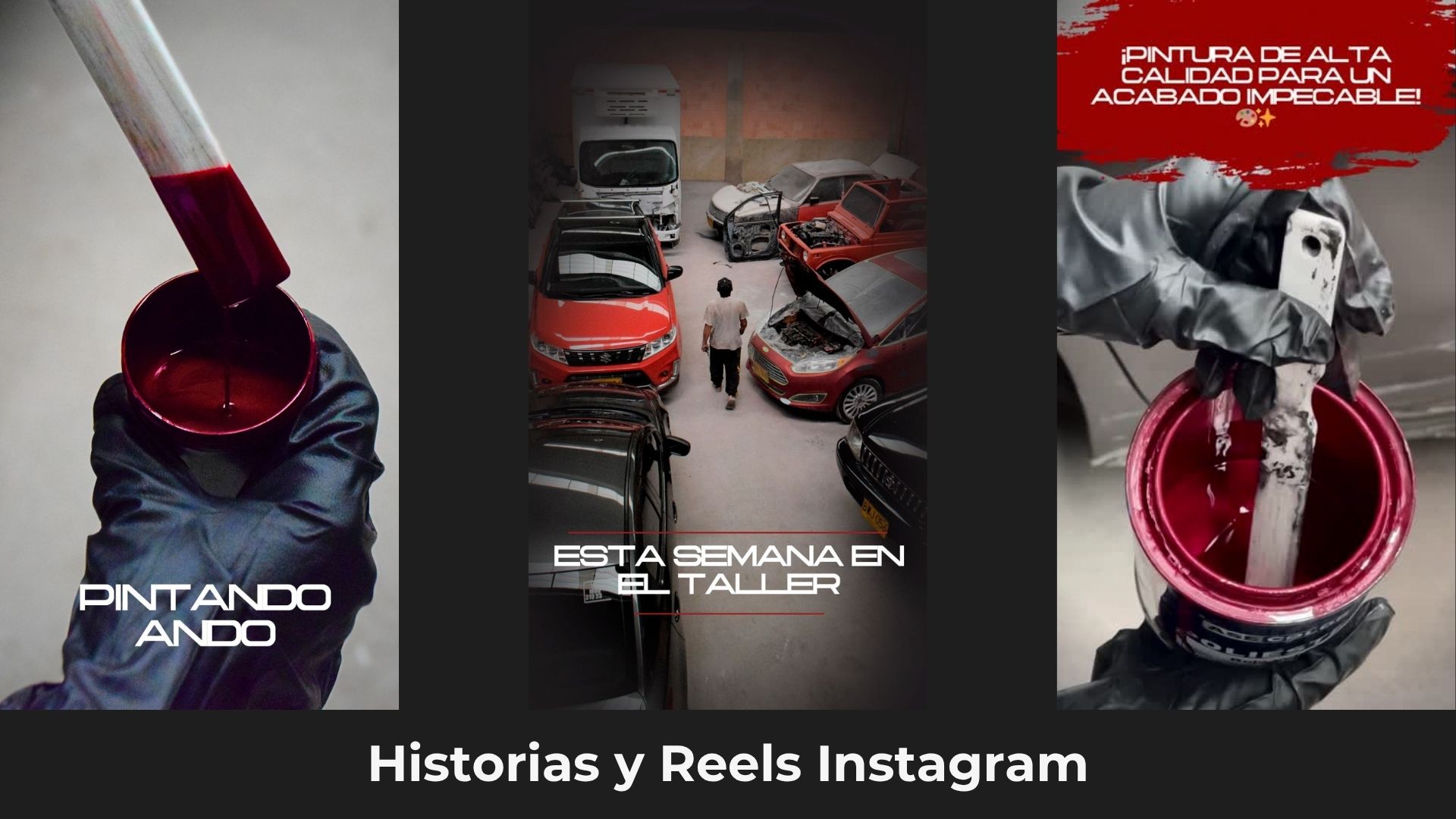
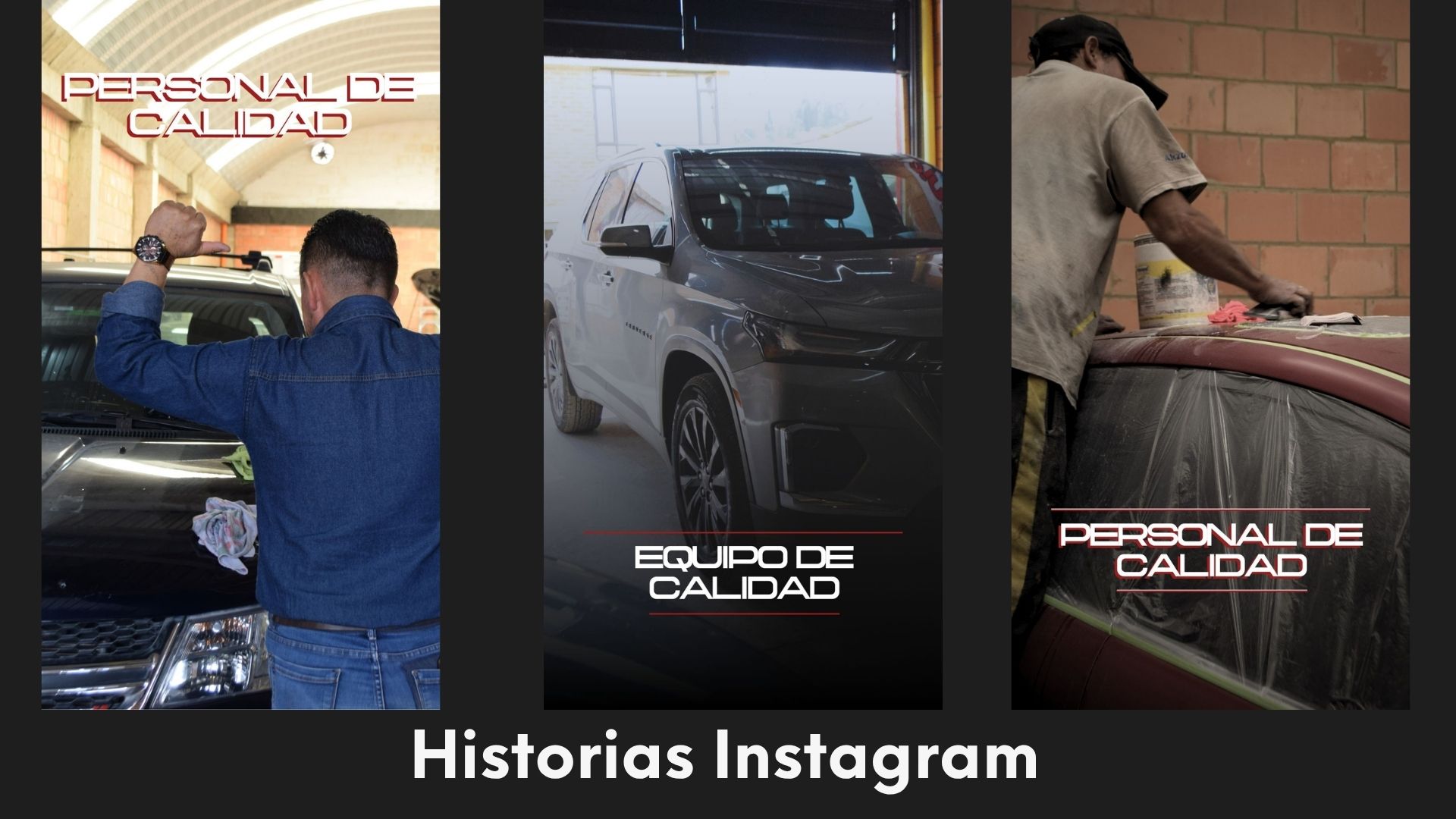
In vertical format, short phrases over the photo: «Painting away», «This week at the shop», «Quality staff».
Case study · Transdipacho · Identity and fleet
I redesigned the logo and the bus livery of the first urban transport company in Pacho, Cundinamarca. The new scheme is being rolled out across its entire fleet.
Transdipacho needed to look as reliable as the service it has provided for more than 30 years. I redesigned its logo and the way its buses are painted: a cleaner, more modern brand that is being rolled out on every vehicle in the fleet.
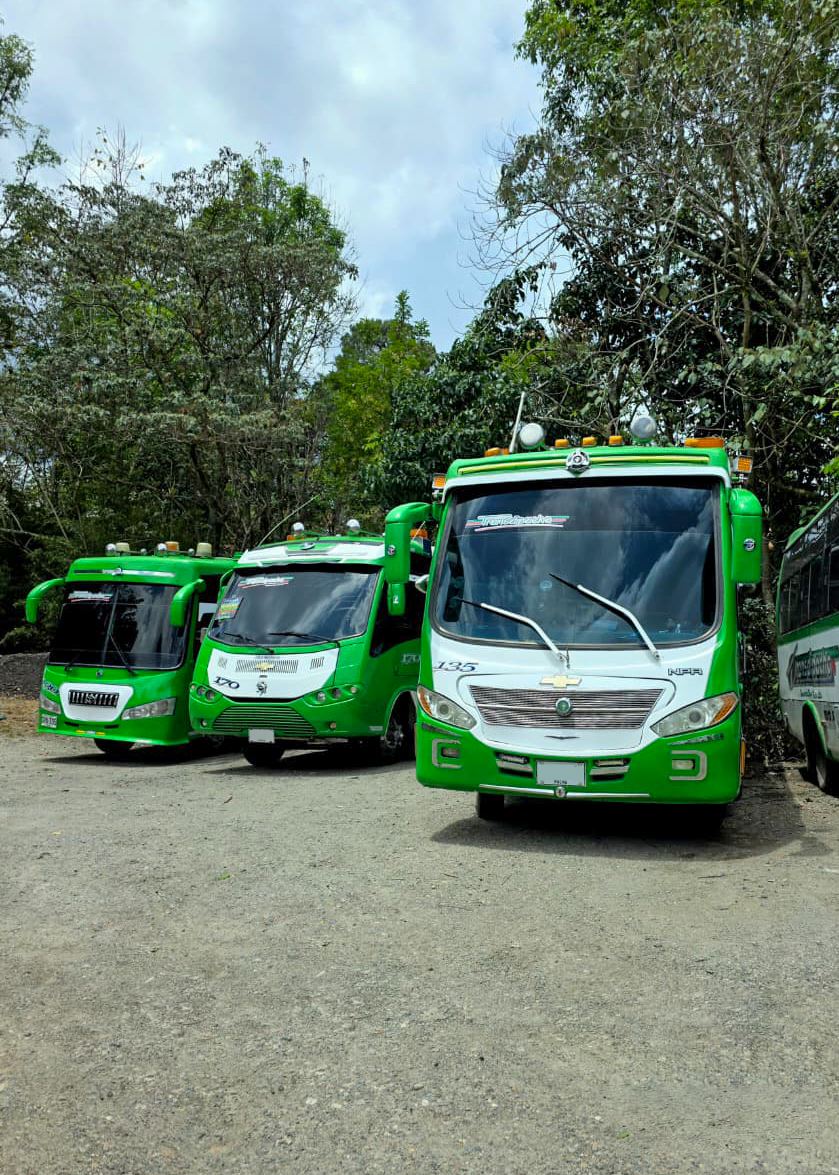
The new logo and the new paint scheme were adopted as the company's official image and are being applied progressively across its entire fleet.
Transdipacho is the first urban transport company in Pacho. It has been moving the community for more than 30 years: it started with 3 buses and today has 22.
The name comes from the cacique Diego Pacho, a historical figure of the region who gave the town its name. The brand carries that history in its full name: Transportes Diego Pacho Ltda.
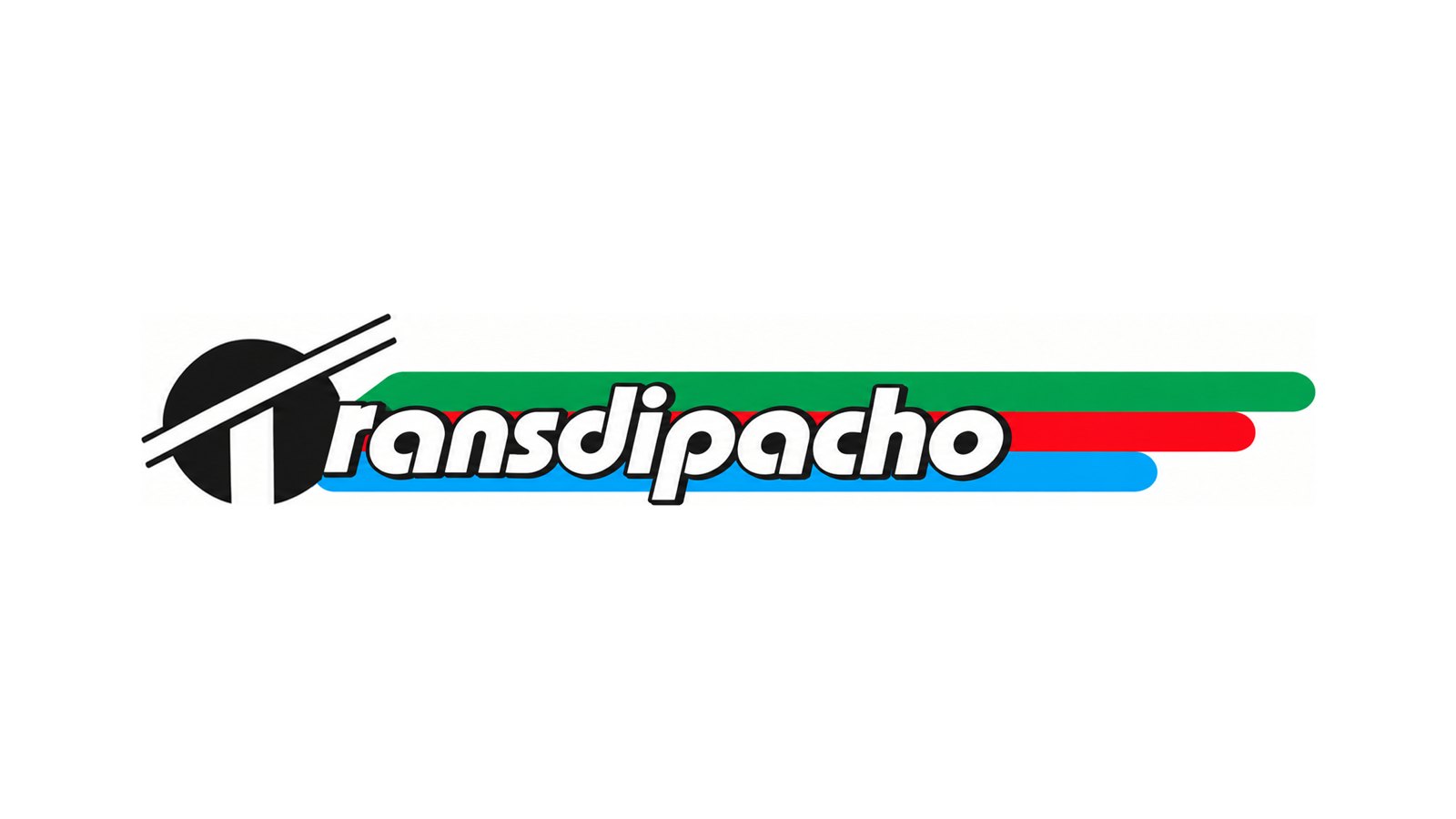
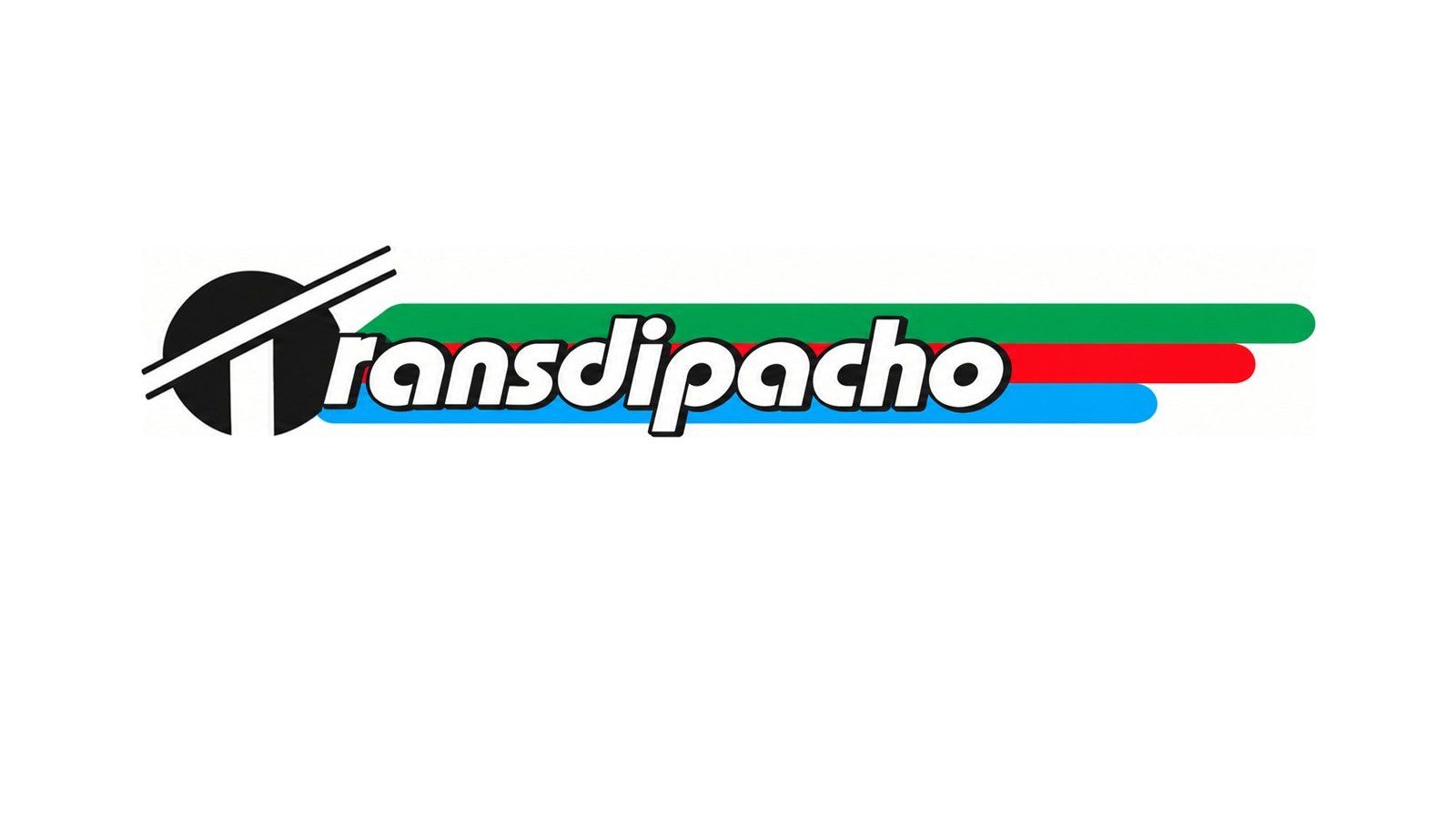
The previous logo had two things people already recognized: the T inside a black circle and three stripes in the company colors, green, red and blue. The rounded, outlined typeface made it look heavy and dated.
Modernize the brand without losing what the community already recognizes in it.
Before arriving at the final logo, six proposals were explored. Each one tests a different typeface and a different way of composing the T, the name and the stripes: uppercase and lowercase, a short or extended T bar, the full name below and the stripes in different orders. The type exploration ended in Forma DJR Banner, the typeface of the final logo.
Proposals These versions are part of the exploration process and were not used as the official image. Tap one to see it larger.
In the final version, the bar of the T stretches over the word and recalls the long familiar symbol. The three stripes come out on both sides like speed lines, and the red curve embraces the company's full name. The lettering is italic: the brand moves, like its buses.
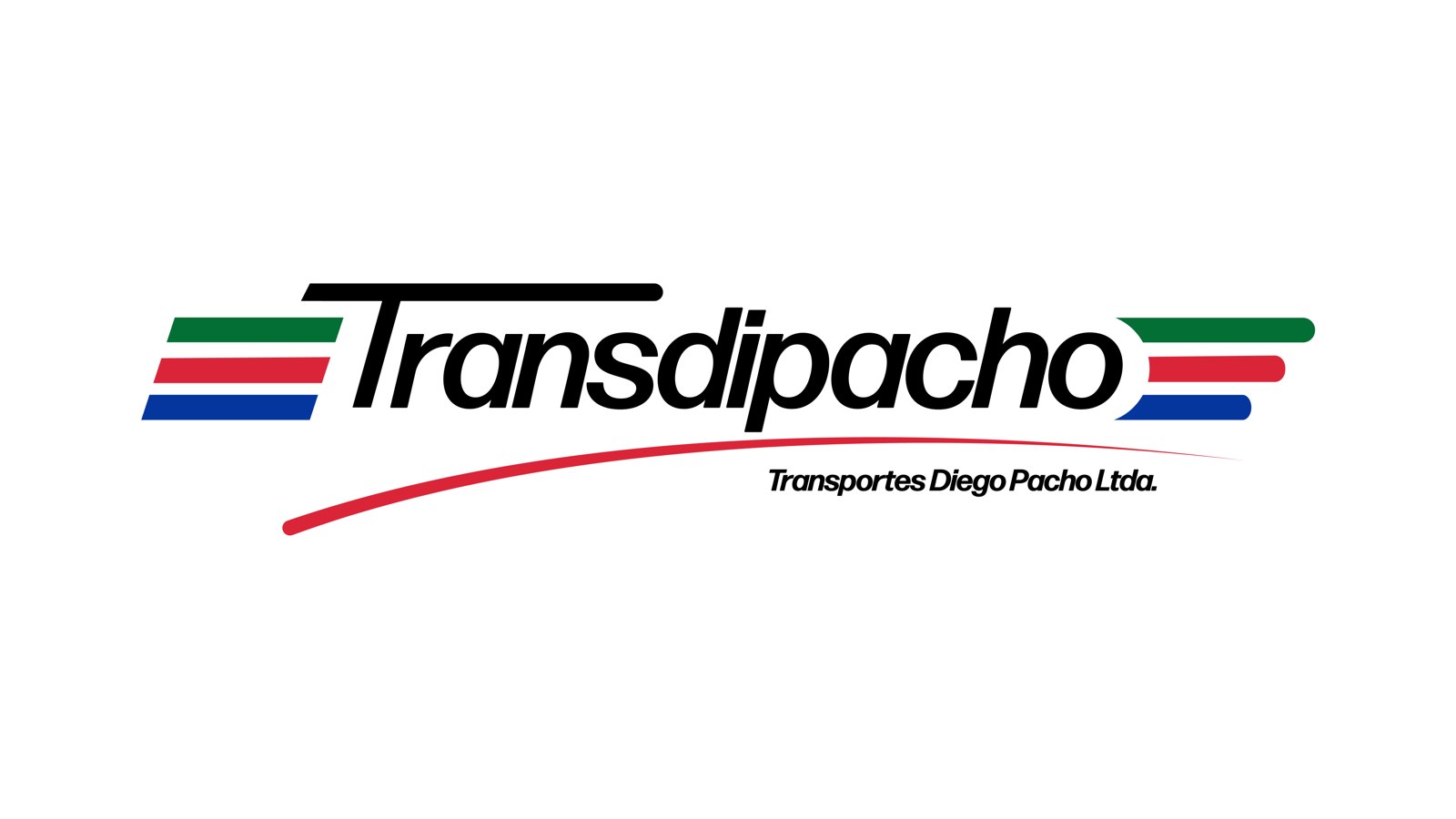
The familiar green, red and blue moved to deeper, more sober tones that look solid on the white of the buses. The typeface is Forma DJR Banner in Medium Italic.

Forma DJR Banner · Medium Italic
Approximate Pantone, taken from the logo files and the photos of the bus.
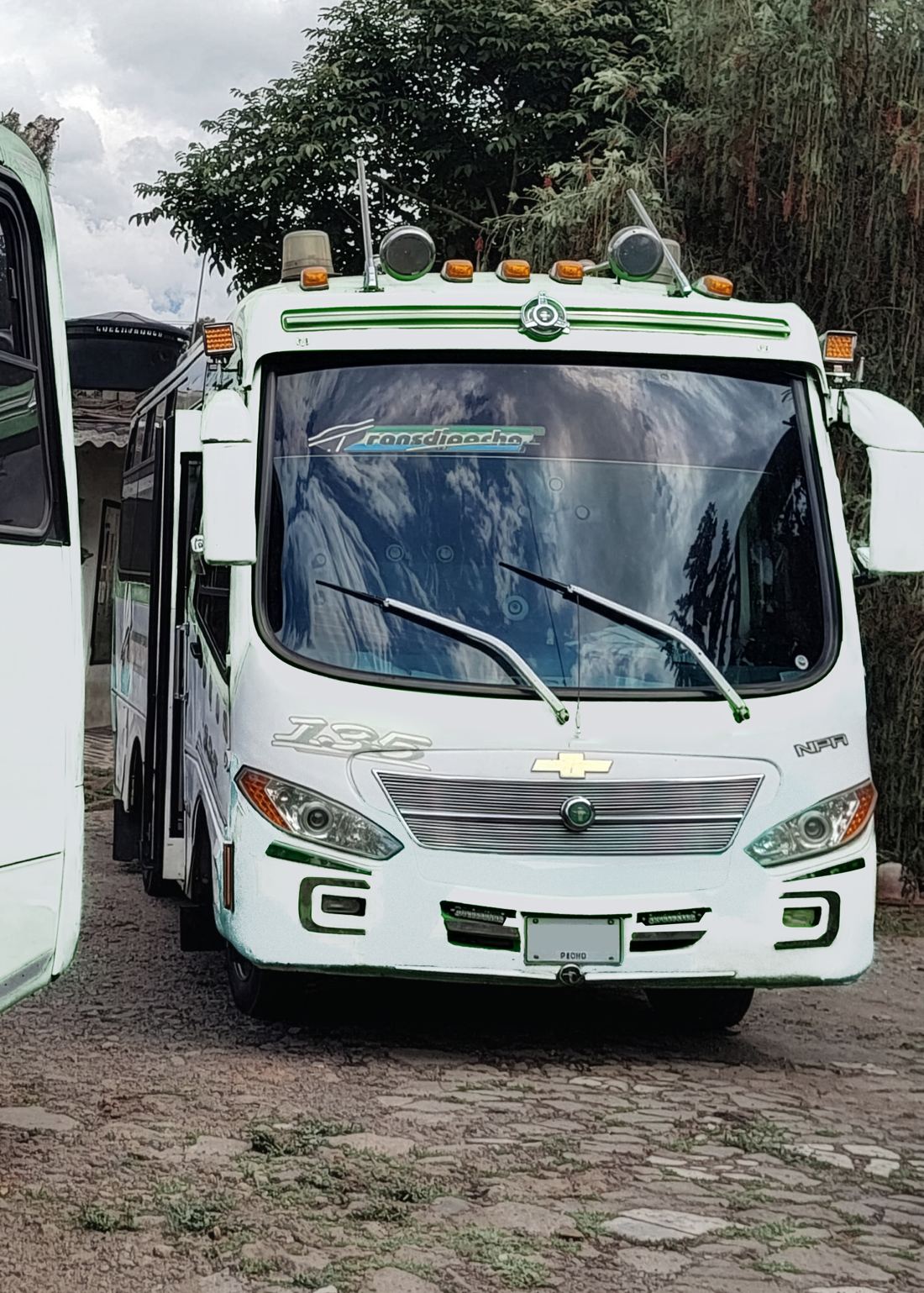
The brand doesn't end with the logo: the bus is the piece most people see in Pacho. This is how bus 135 changed, step by step.
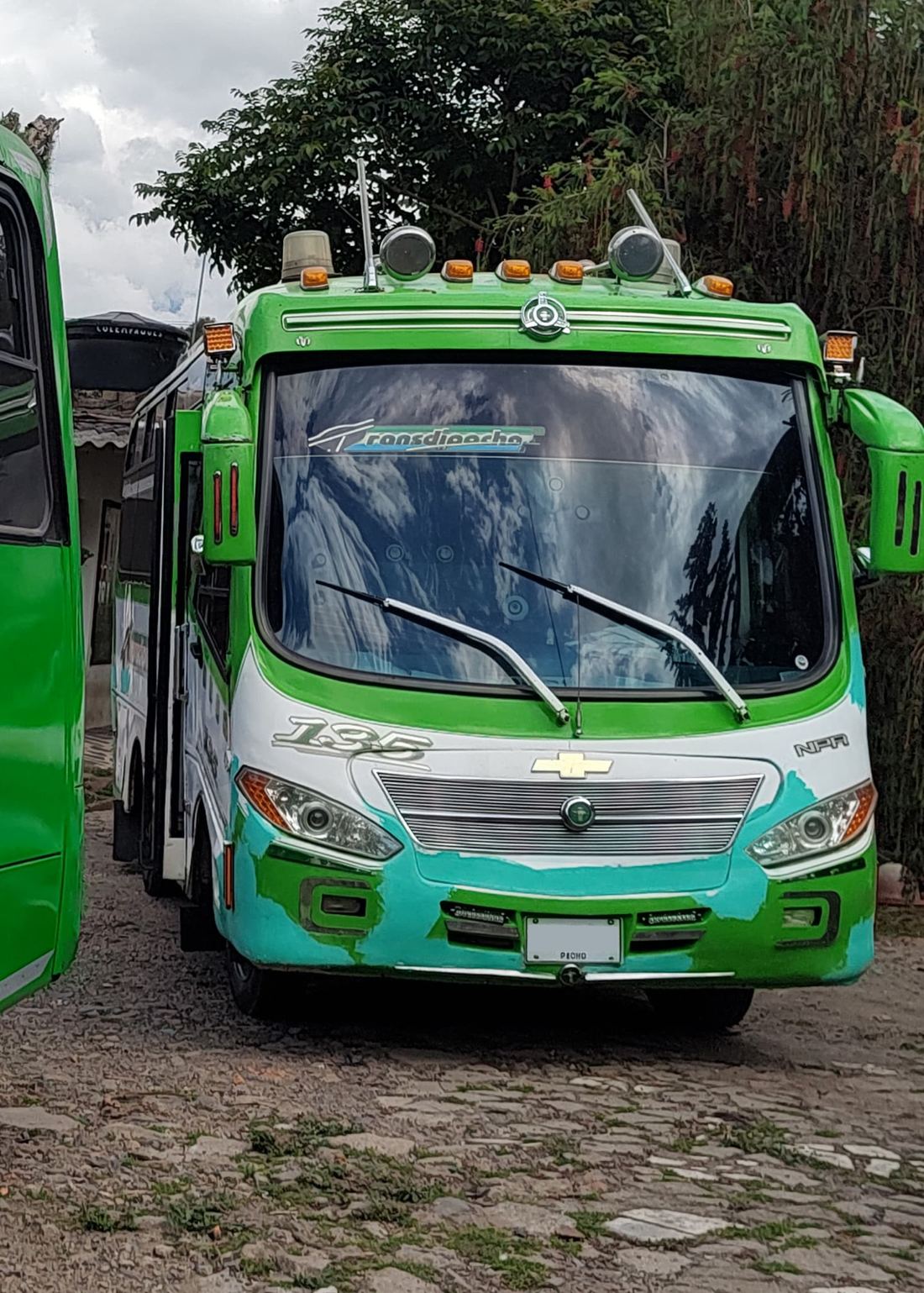
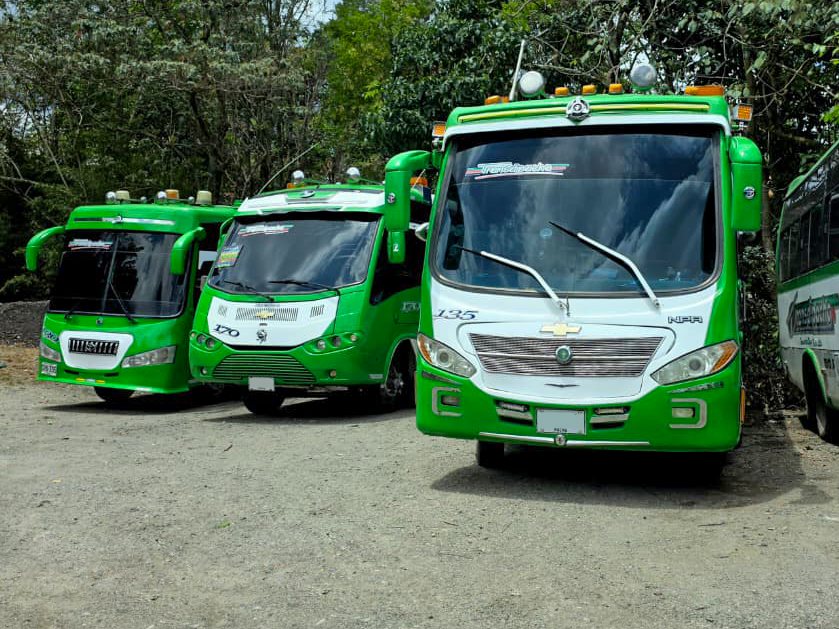
This is how the buses used to be painted: a light green running along every edge of the vehicle, both at the top and at the bottom, and a front with little white space.
On the same photo I erased the paint and left the bus in white, to see the shape of the vehicle without noise and decide where each color goes.
The roof is half white and slopes toward the back with a curve. A blue line, taken from the logo, runs along the side. The front stays almost all white so the lights, the grille and the number stand out.
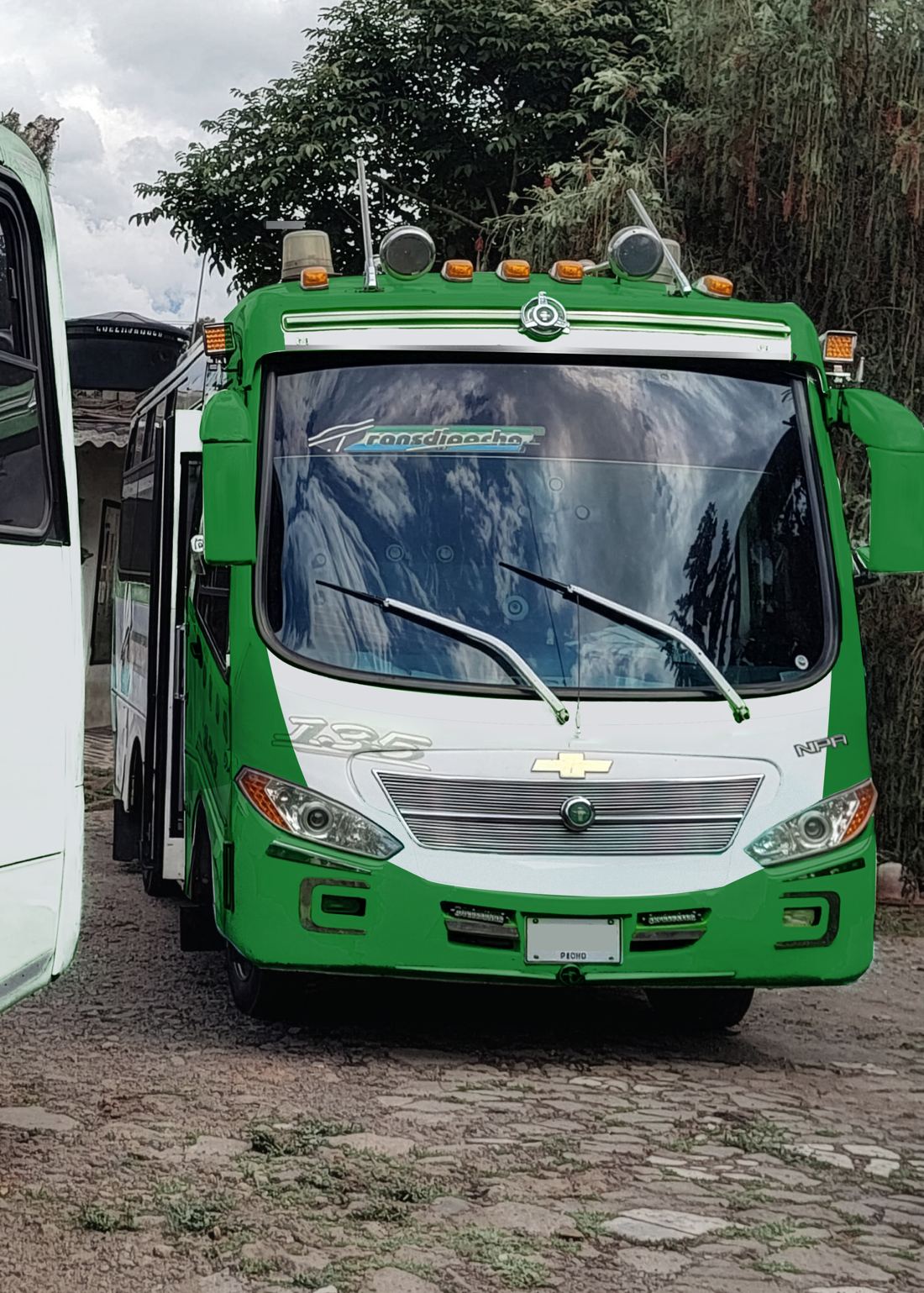
The new livery applied in real life. It's the scheme the company adopted for its entire fleet.
Slide to compare the original livery with the sketch of the new one.
The new image is already on the streets of Pacho. The logo and the paint scheme became the company's standard for all its vehicles.
In transition The company is currently going through a renewal: the buses are being repainted progressively, so for a while vehicles with the old and the new livery will run side by side.
A brand with more than 30 years that renews itself without stopping being itself, and that now shows on every route through Pacho.
Case study · Personal project · Web design and development
I designed my portfolio with the same process I use with a client: bring everything I do into one place, simplify the architecture, create my own design system and fill it with details that invite you to explore.
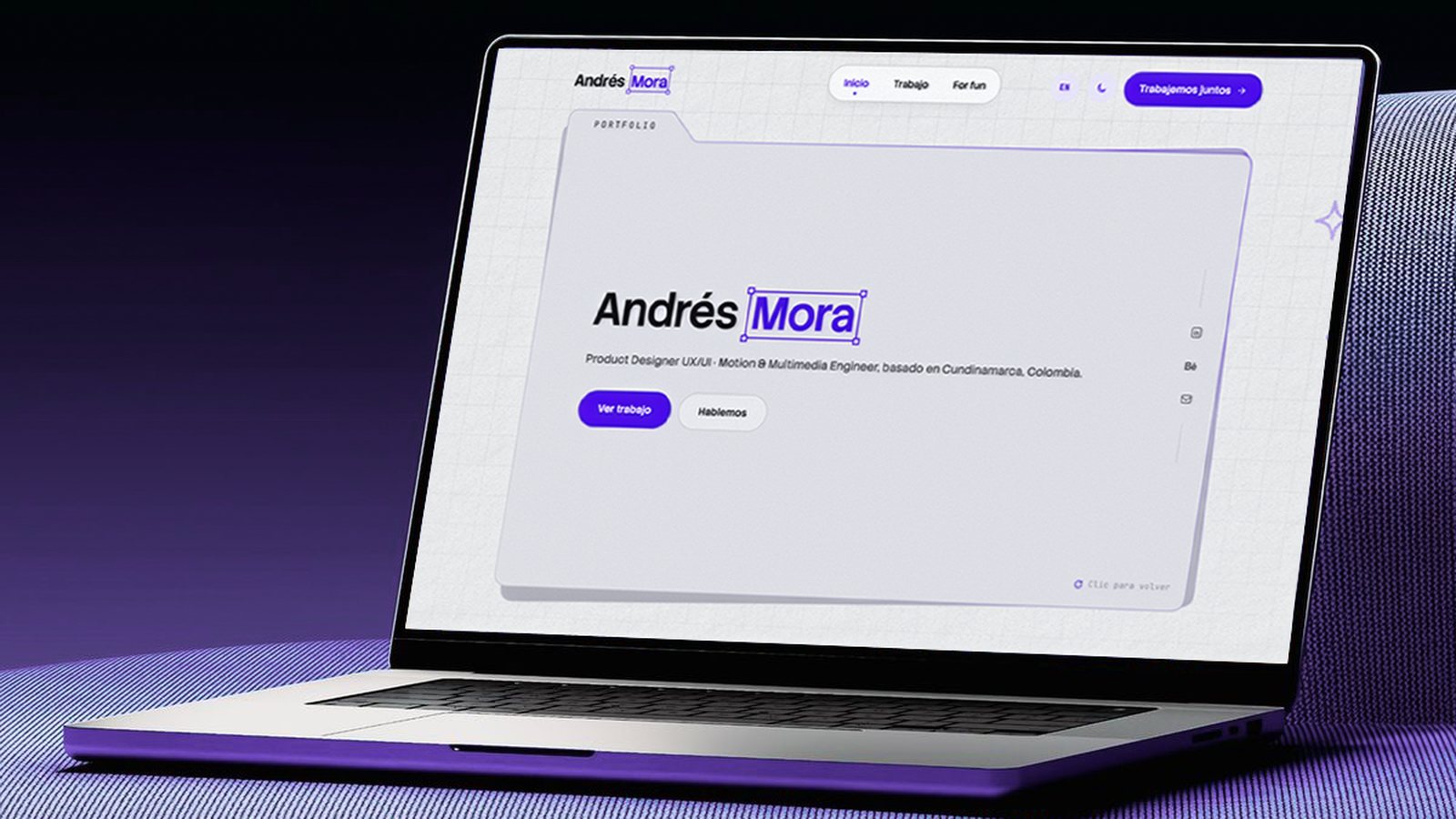
I designed this portfolio to express my creativity and bring my passions together in one place: product design, 3D, rendering, photography and everything I enjoy creating. It was also the perfect excuse to bring Mora, my personal brand, to life in an interactive site that invites you to discover me piece by piece, one side at a time.
The site was born with three ideas in mind, and every design decision was measured against them.
UX/UI, web design, 3D modeling, rendering, photography, motion and graphic design. Everything I do, told through the process and not just the final image.
Interactive and full of personality, inviting people to play with it and discover my different sides: draw, drag, open a notebook, flip pages.
Create the Mora brand and bring it to an easy to access site, with visible contact on every page, a short form and case studies that read quickly.
I always had the idea of bringing everyday things into the digital world, like what sits on a desk. That's the concept: office objects in a simpler, purer version. The portfolio lives in a folder, the For fun notebook is a notebook that opens, the form is a letter that goes into an envelope with a stamp and a seal, and the notes look like sticky notes held with tape.
The Home hero and the featured cards.
The For fun notebook, with pages that turn in 3D.
The notes and the polaroid style photos.
The Contact form and the thank you page.
The doodles and the grid you can draw on.
The 404 page.
Two fixed layers run through the pages: a tiled noise grain, with dark dots in the light theme and light ones in the dark theme, and a paper with relief and soft fibers underneath everything. The purple gradients carry noise on top, like a risograph print.
The first map had four pages: Home, Work, About me and Contact. Then For fun was added for personal projects and the site grew to five. In the end, About me merged into Home and four main pages remained. The goal was to cut clicks so the journey is faster, both for someone looking for a designer for their project and for recruiters.
Home already introduced who I am; a separate page forced one more click for the same thing. The résumé went too: the work speaks for itself.
They're read without leaving Work, and you move on to the next one without going back. From the footer, each project opens its case directly.
UX/UI and web design, Branding and video, and 3D. You choose one category at a time.
No calendar and a short form: the three step version with timeline and budget asked too much for a first message.
Everything in one journey:
All the projects in a grid with filters. Each card opens its case study in a popup with a sidebar by section.
A digital notebook with hobby photography, 3D renders and personal projects.
A short form inside an envelope, the email to copy and social links. When sent, it leads to the thank you page.
The brand comes from the craft: the surname appears inside a bounding box with its four handles, the frame any design program shows when something is selected. It's the gesture of focus: what the designer chooses to work on. It repeats in the logo, in the name on the hero and in the site's icon.
One of the goals of the personal brand was to have a color of my own. Since my surname is Mora (Spanish for blackberry), I chose purple as the signature color: it connects the brand with my name and with who I am, and makes the site recognizable at first sight.
The voice is part of the brand too: short texts, in first person and without unnecessary jargon. “Beyond the ordinary” sums up the promise.
The first version of the system was dark, with an electric purple and Space Grotesk with Inter. It was dropped for looking too gamer. The second, the current one, starts from cool neutrals and saves purple only for what matters.
Digital product design
Every project tells the process, not just the result.
Beyond the ordinary.
UX/UI · WEB DESIGN · 2026
Two themes Light by default and dark with the moon button. In dark mode the background is almost black (#0A0A0D) and the accent switches to bright purple.
All the motion on the site uses three fixed durations and a curve that starts fast and slows down gently. Tap each row to see the difference.
The element arrives almost immediately and settles slowly. It feels responsive without looking abrupt.
Every interaction has a reason: to show what I can do with motion and code without getting in the way of reading the case studies. These clips were recorded from the real site.
A purple arrow with a ring that grows over anything you can touch and shrinks when you press; every click leaves a purple ripple that opens and fades.
The whole site · mouse onlyThe button moves toward the cursor and the text follows a little less; on hover, a fill sweeps it from side to side.
Pill buttonsThey tilt in 3D toward the mouse, with a shine that moves on top and the image switching layers.
WorkThe cover goes from faded to full color, a line of description peeks out, the arrow turns and the folder tilts with the cursor.
HomeA click on the hero folder swaps “Focus” for “Portfolio” and another click goes back. The one behind tilts a bit more and the purple edge reflects the cursor.
Home heroClicking and holding lets you draw on the grid with a grainy purple crayon; two seconds after you let go, it erases itself. Around it, doodles that draw themselves invite you to try it.
Home · mouse onlyThe “What I do” sentence goes from gray to the text color word by word as you scroll.
Home“Hey, I'm Andrés” and an Enter button. The cursor turns into a circle that covers the screen and leaves through the top.
Home · once per visitA purple covered notebook that opens and turns pages on its spine, with polaroid style photos, tape and stickers you can drag.
For funWhen the form is sent, the sheet slides into the envelope, the flap closes, a seal with the M drops and the envelope flies away.
ContactThe word “mora” in the footer is made of dots that spring away from the cursor; a click sends out a wave.
FooterThe Home page went through three versions before the current one. Each iteration left something that stayed and something that was dropped.
A dark purple background, a 3D wolf behind and “Multimedia engineer” in big letters. It was dropped for looking gamer and drifting away from product design.
The current headline over a full screen hero with WebGL light rays that followed the mouse. From the v2 system, the color, the typography and the tone stayed.
My sketch turned the hero into a folder with a tab, the word “Portfolio” and the navigation resting on a notch. First it was a fixed frame; then it was let loose.
Two folders stacked on top of each other that take turns with a click, a 44 px grid you can draw on with a crayon and the header with the pill.
First it was a “darkroom” with pieces hanging on a clothesline and the cursor as a flashlight. Before arriving at the notebook, a film reel and a 3D spiral were tried.
Going from a design to a working prototype in a short time, generating code and design at once. Every idea was tested in a real browser before deciding whether it stayed.
It's easy to add features that aren't what the user needs. The site got better every time something was removed: a page, a filter, form steps, the résumé.
Many microinteractions don't catch your eye at first, but when the site invites you to play, people draw on the grid, move the cards, open the notebook or send a letter. That's where the personality is.
This portfolio brings together everything I do and invites you to discover my way of designing and seeing the world.
Collection · 3D modeling
Colombian architecture, archaeology and folklore, plus environments and props, modeled and textured in Maya and Substance Painter. Rotate, zoom and explore each model right here.
Models that bring Colombian objects, places and legends into 3D, so they can be explored from any screen.
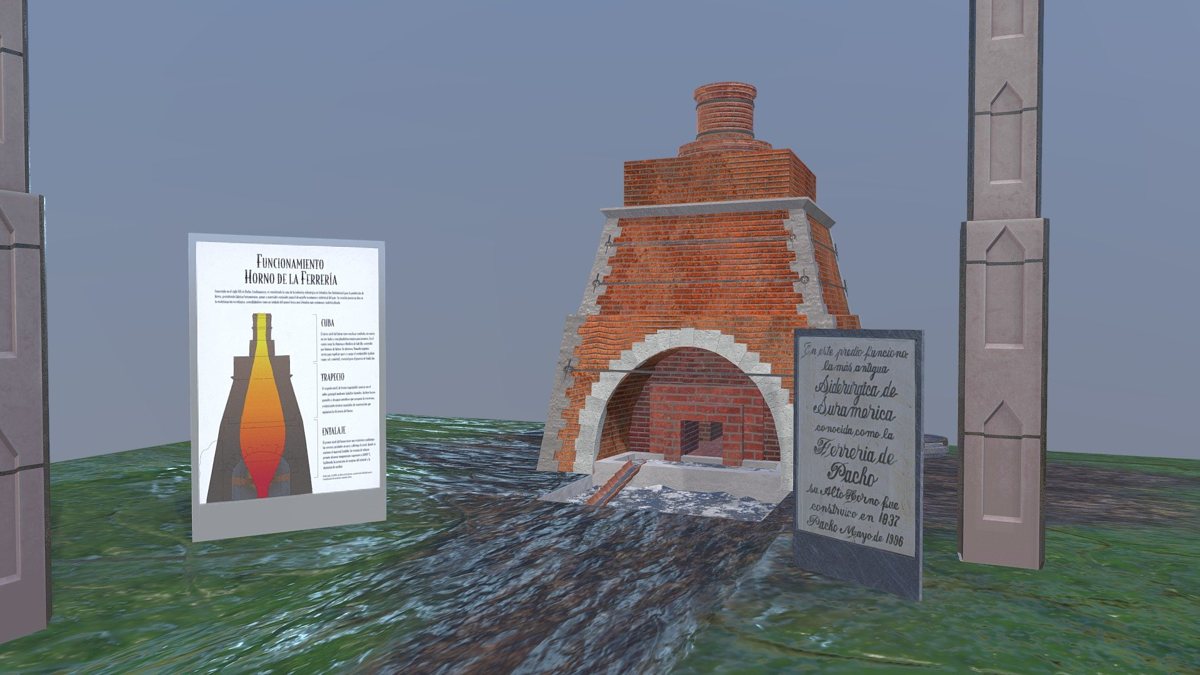 University project
The cradle of the steel industry in Colombia: a 9 meter blast furnace from the 19th century that produced iron for weapons, tools and industry until 1888. Today it's a historic and cultural site.
Open in Sketchfab ↗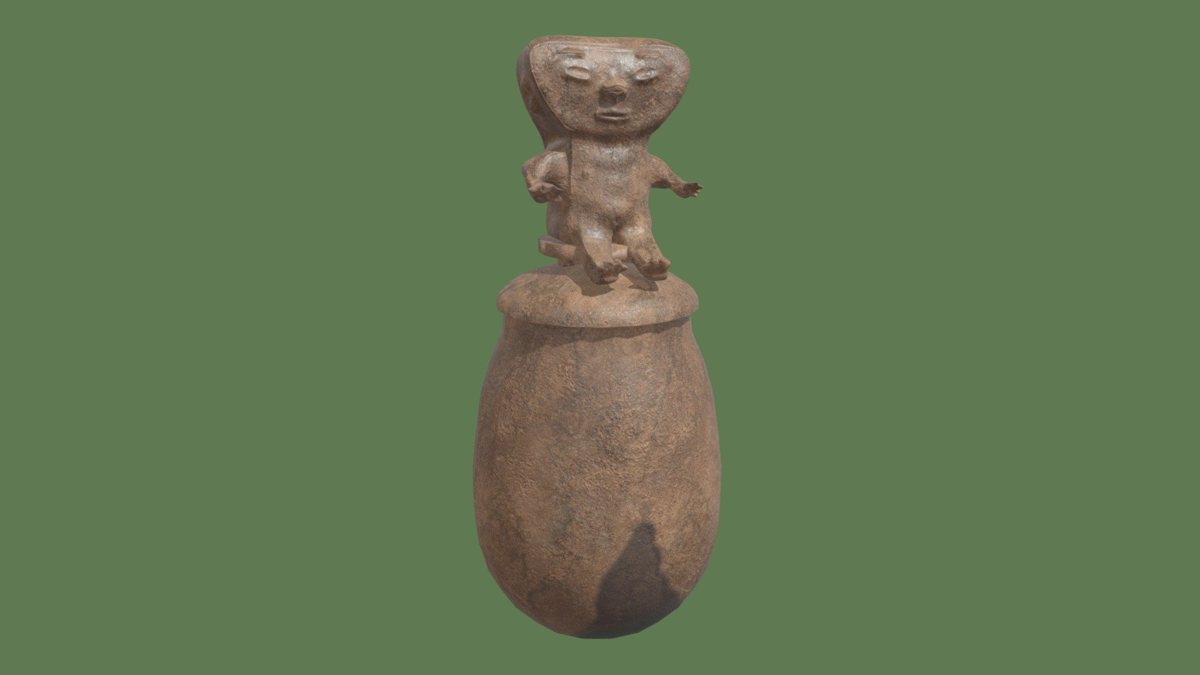 University project
An urn used in the ritual practice of secondary burials, characteristic of the region from San Agustín and Tierradentro to Tamalameque. Textured in Substance Painter.
Open in Sketchfab ↗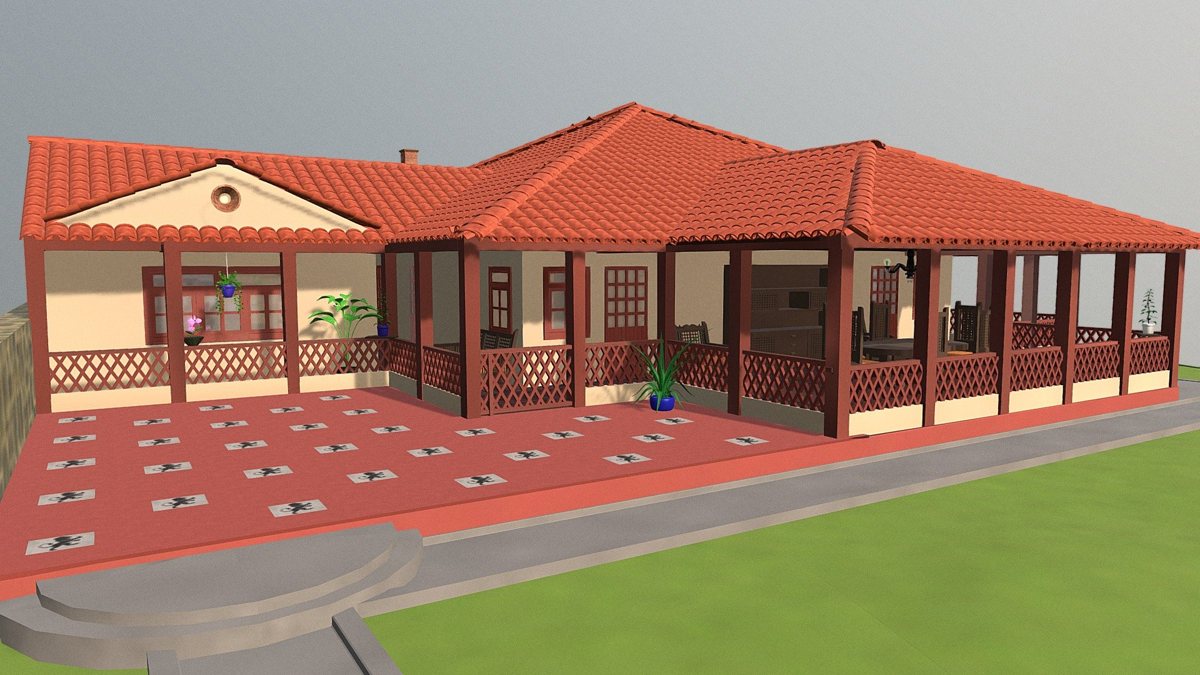
A house with wide corridors built with wood, stone and clay tile, like those of its time. Modeled and textured in Autodesk Maya.
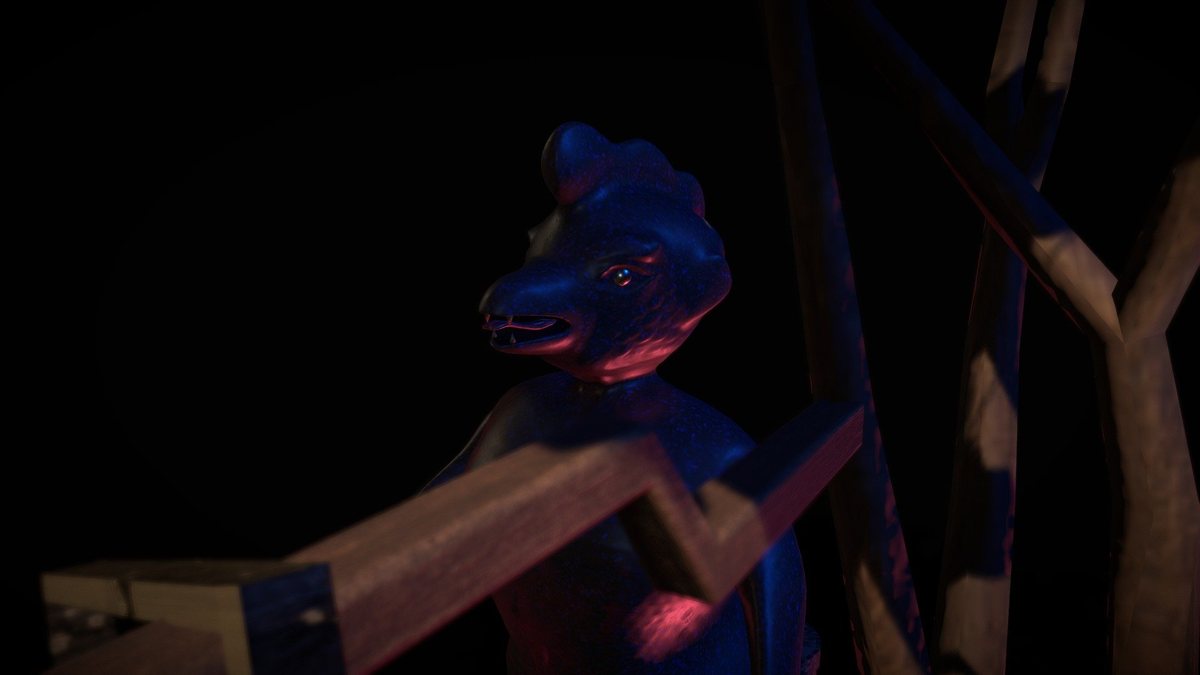
A demonic creature, half human and half bird, from the popular folklore of the remote towns of Cundinamarca. Textured in Substance Painter.
Open in Sketchfab ↗Scenes and objects designed for visualization, video games and interactive experiences.
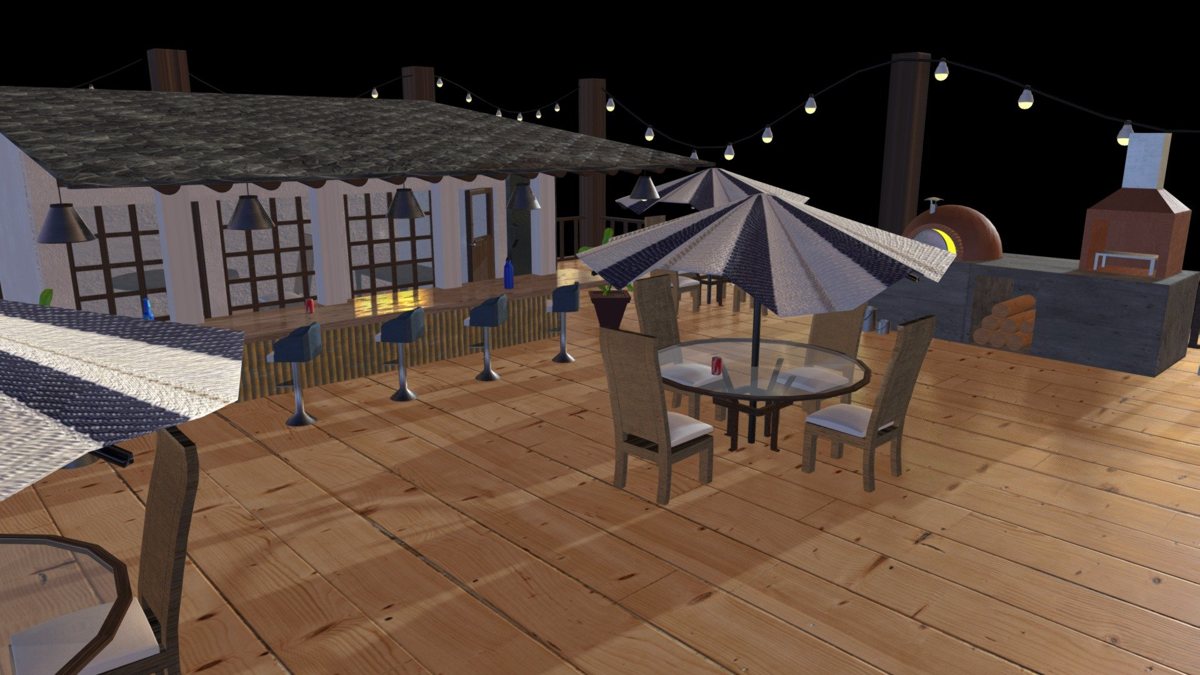
A beach restaurant modeled and textured in Maya. It's my most viewed model on Sketchfab, with more than 7,500 views.
Open in Sketchfab ↗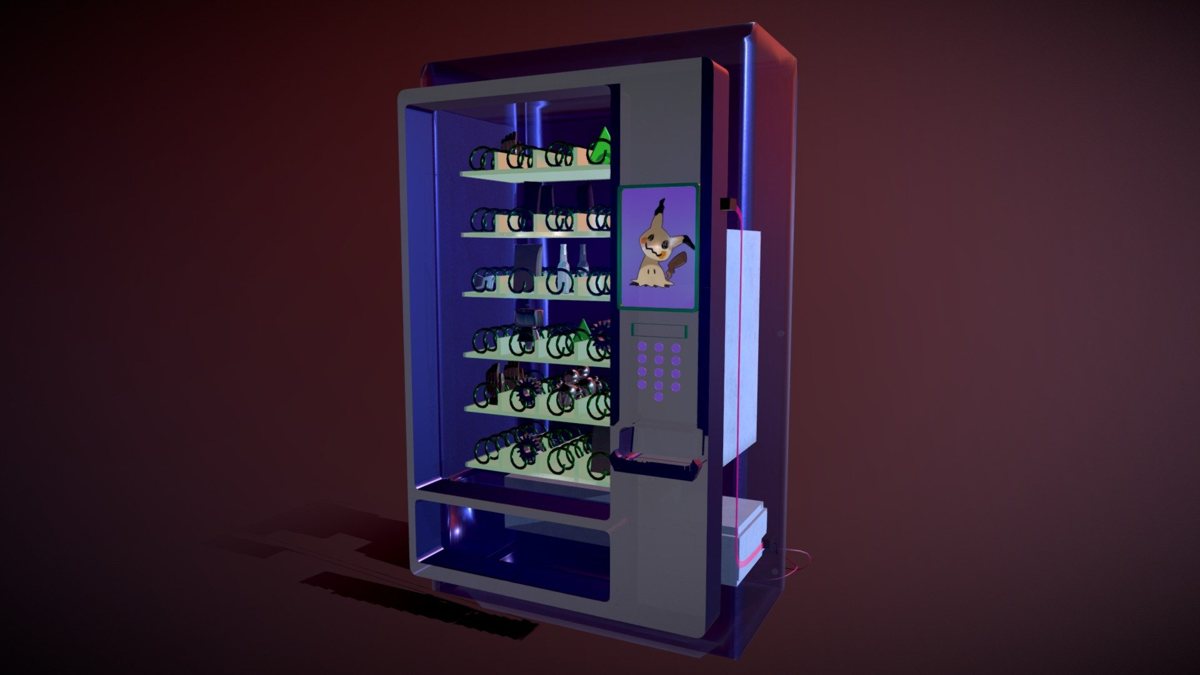
A vending machine created for the NeoTokio video game prop challenge. Modeled in Maya and textured in Substance Painter.
Open in Sketchfab ↗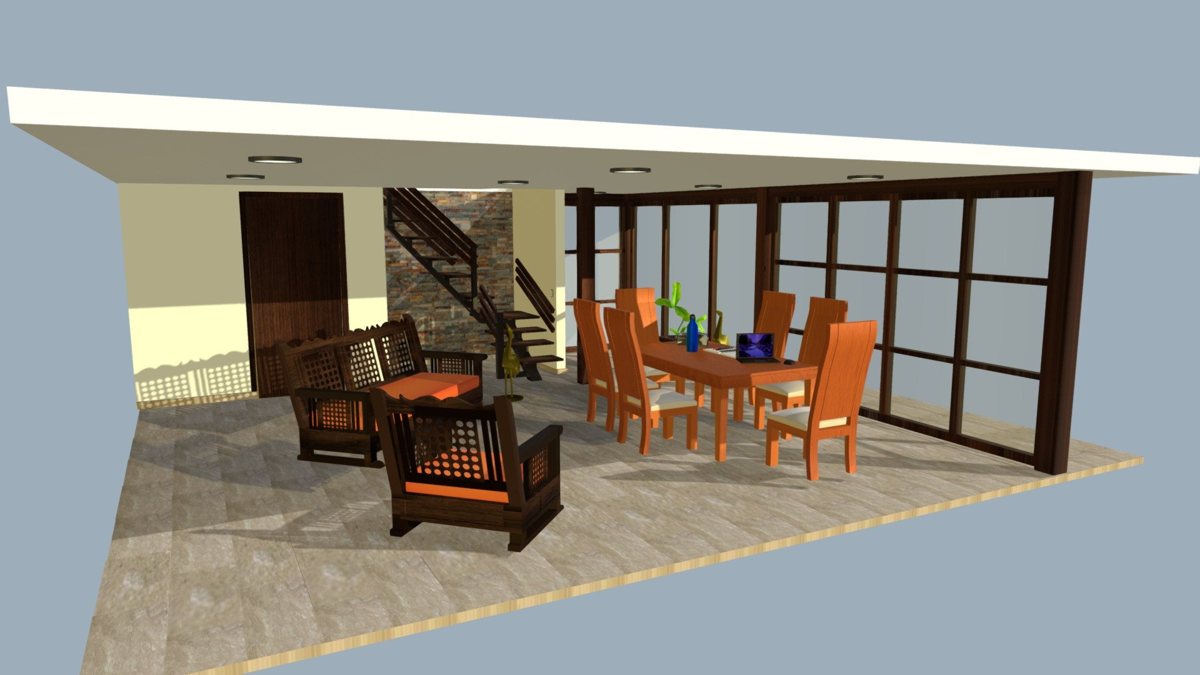
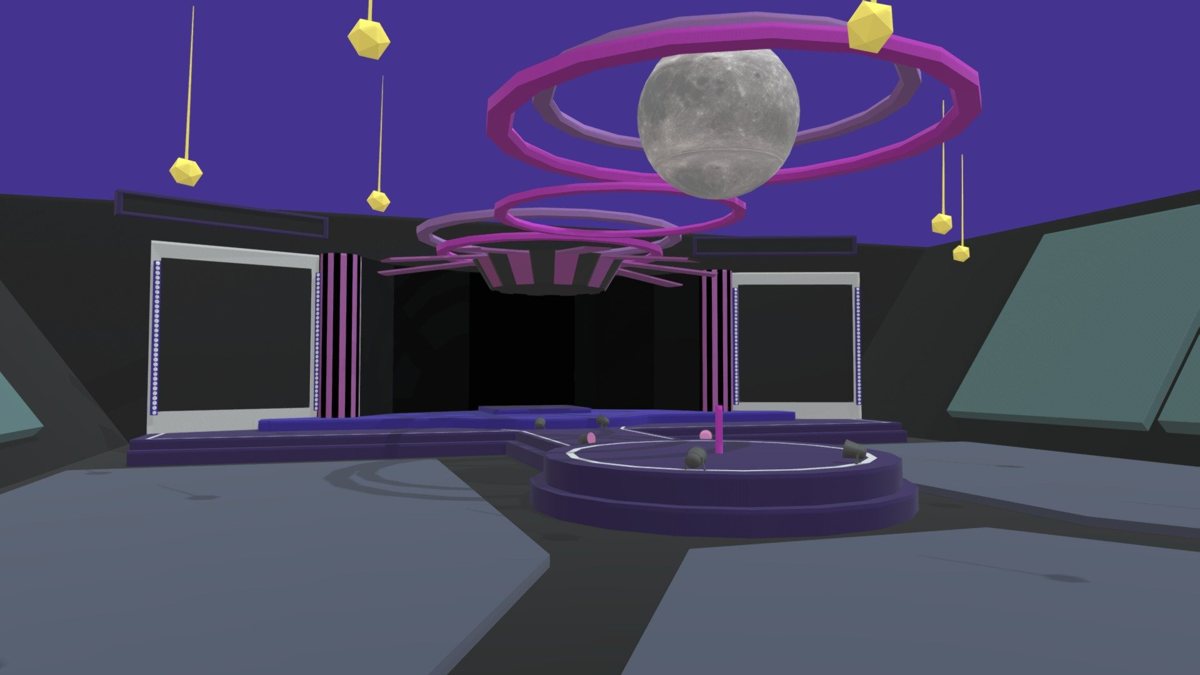
Characters from video games and trading cards taken from 2D to 3D.
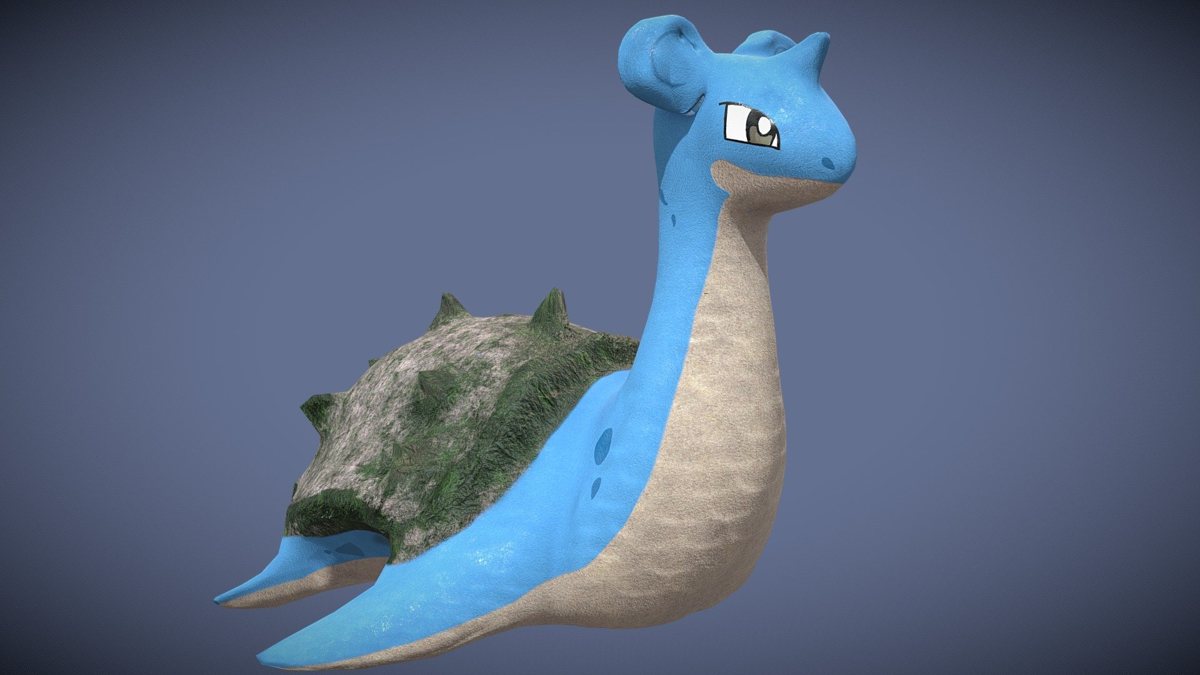 Fan art
A semi realistic version of Lapras, modeled in Maya and textured in Substance Painter.
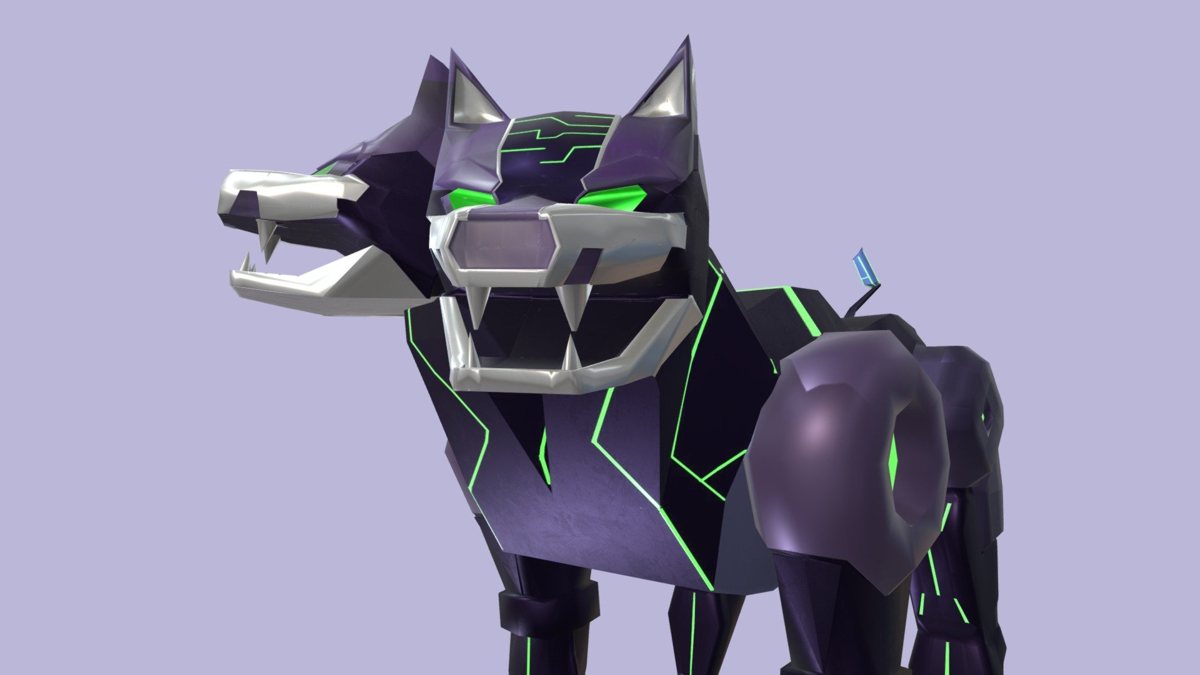 Fan art
A model based on an original Yu Gi Oh! card, modeled in Maya and textured in Substance Painter.
The texturing challenges on models by other authors are in For fun.